
Web3 iconography in 2026
Web3 gaming visuals are currently a mix of cyberpunk grit and neon minimalism. It looks like Blade Runner met a clean UI kit. Developers use these styles to signal that a game involves digital ownership without needing a text prompt.
This isn’t accidental. The goal is to visually differentiate Web3 games from the more established, traditional gaming market. The use of glitch art – intentional visual distortions – is also common, hinting at the underlying technological complexity and the disruptive nature of the technology. It's a way of saying, "this isn’t your grandfather’s game".
Crucially, visual consistency is paramount. A cohesive art style, including the icons, builds trust and brand recognition. A jarring mismatch between the game's overall aesthetic and its icons will immediately detract from the experience. Good icons aren't merely functional; they are integral to the game’s identity and contribute significantly to player immersion.
Icon categories for blockchain games
While many icon needs overlap with traditional game development, Web3 games require a significantly broader range due to the integration of blockchain elements. You’ll need the standards – health bars, attack buttons, resource indicators – but also a host of icons related to cryptocurrency, NFTs, and tokenomics.
Core categories include icons for various Cryptocurrencies and Tokens (ETH, SOL, BNB, and increasingly, custom in-game tokens), NFT asset icons representing ownership of in-game items like weapons, characters, land, or skins. Then there are icons for in-game currencies, distinct from cryptocurrencies, and Resource icons denoting energy, materials, or crafting components. Don’t forget UI/UX icons for buttons, menus, alerts, and loading screens.
Status and Buff icons are essential for representing temporary effects or character enhancements. Finally, Marketplace icons are vital for displaying items for sale, purchase options, and transaction statuses. The sheer volume of icons needed is often underestimated, and a well-stocked asset library is a serious time saver.
The Noun Project for Web3
The Noun Project has over 5,000 icons tagged as 'Web3' as of late 2026. The styles range from basic line art to heavy, colorful vectors. It's a solid starting point if you need variety quickly.
Licensing is fairly straightforward. Most icons are available under a Creative Commons license, requiring attribution. They also offer a Pro subscription which removes the attribution requirement and unlocks additional features. Integration with design tools is a major selling point, particularly their Figma plugin which allows for seamless drag-and-drop functionality. The 'Easy Icon Editor' is genuinely useful for quick color adjustments and resizing.
The free icons are a good starting point, but the quality is often noticeably lower than the paid options. Paid icons tend to be more polished and consistent in style. I tested the Figma plugin and found it performed as advertised – extremely easy to use. However, the search functionality within the plugin could be improved; finding specific icons can be a bit hit-or-miss. It's a strong offering, but not a complete solution.
Gaming & Metaverse Cryptocurrency Price Comparison
Leading blockchain gaming tokens - December 2024
| Asset | Current Price | 24h | 7d | 30d | Market Cap |
|---|---|---|---|---|---|
| Gala GALA | $0.0421 | -2.1% | +8.3% | +15.7% | $1.52B |
| Immutable X IMX | $1.34 | +1.8% | +12.4% | +22.1% | $2.01B |
| The Sandbox SAND | $0.4567 | -0.9% | +6.2% | +18.9% | $1.03B |
| Axie Infinity AXS | $6.78 | -3.4% | +4.1% | +11.3% | $1.01B |
| Enjin Coin ENJ | $0.2134 | +0.7% | +9.8% | +14.2% | $358M |
| Decentraland MANA | $0.4892 | -1.6% | +7.5% | +16.8% | $901M |
Analysis Summary
Gaming tokens show mixed short-term performance but strong monthly gains, with IMX leading in market cap at $2.01B while maintaining solid growth momentum across the sector.
Key Insights
- IMX demonstrates the strongest market position with highest valuation and consistent positive momentum across all timeframes
- All gaming tokens show positive 30-day performance, indicating renewed investor interest in blockchain gaming sector
- GALA offers the lowest entry point at $0.0421 but maintains substantial market cap, suggesting high token supply dynamics
Prices reflect current market conditions based on major exchange data. Gaming token sector analysis focuses on established Web3 gaming infrastructure projects.
Disclaimer: Cryptocurrency prices are highly volatile and subject to market fluctuations. Data is for informational purposes only and should not be considered investment advice. Always do your own research before making investment decisions.
Shutterstock's Web3 Icon Selection
Shutterstock’s Web3 icon library is substantial, currently listing over 12,991 results as of November 2026. However, the sheer volume is somewhat misleading – many of these icons are generic 'web' or 'technology' icons that are tangentially related to Web3. The quality is generally high, reflecting Shutterstock's focus on stock photography and vector graphics.
Compared to The Noun Project, Shutterstock offers more visually complex and high-fidelity options, but fewer icons specifically designed for a game UI. This makes Shutterstock a better choice if you need polished icons for marketing materials or website design, but potentially less ideal for in-game assets. Their pricing model is subscription-based, with plans offering varying numbers of downloads per month.
Individual icon licenses are also available, but can be expensive. Usage rights are generally broad, but developers should carefully review the license terms for any restrictions. The advantage of Shutterstock is its extensive library of other assets – you can easily find complementary graphics, illustrations, and photos. The downside is the cost and the less focused selection of specifically Web3-oriented icons.
Beyond the Marketplaces: Custom Icon Creation
Sometimes, stock icon packs simply won’t cut it. If you need a truly unique and branded look, commissioning custom icons is the way to go. This is particularly important for games with a very specific art style or a strong emphasis on visual identity. However, it’s also the most expensive option.
Typical costs for custom icon creation vary widely, depending on the artist’s skill level, the complexity of the icons, and the number of revisions included. Expect to pay anywhere from $20 to $200+ per icon. The benefits are obvious: you get exactly what you want, tailored to your game’s aesthetic. Working with a freelance artist requires clear communication, detailed style guides, and a well-defined brief.
AI icon generators are still hit-or-miss. They work for placeholders, but the edges are usually too messy for a final UI. They are getting better, but I wouldn't rely on them for a shipping build yet.
Case study: Illuvium
Let's look at Illuvium, a collectible creature battler built on Ethereum. Their icon style is a key part of their overall aesthetic. They’ve opted for a highly detailed, almost painterly style for their icons, reflecting the high-fidelity graphics of the game itself. Every icon, from resource indicators to ability buttons, feels cohesive and premium.
The consistency is striking. All icons share a similar level of detail, color palette, and lighting. This contributes to a sense of polish and immersion. The icons aren’t just functional; they’re visually appealing and reinforce the game’s luxurious feel. They also subtly hint at the rarity and value of the Illuvials (the collectible creatures) through visual cues in the icons.
Other developers can learn a lot from Illuvium’s approach. Prioritize consistency above all else. Invest in high-quality assets. And remember that icons are not an afterthought – they are a crucial element of the user experience. Their UI feels less like a game and more like a sophisticated application, and the icons contribute heavily to this impression.
Technical Considerations: File Formats & Optimization
Choosing the right file format for your game icons is important for both visual quality and performance. SVG (Scalable Vector Graphics) is generally preferred for UI elements because it’s resolution-independent and scales without loss of quality. This is especially important for games that support multiple screen resolutions. However, SVG can be more resource-intensive to render than raster images.
PNG (Portable Network Graphics) is a good choice for icons with complex details or transparency. It offers lossless compression, ensuring high visual fidelity. JPEG (Joint Photographic Experts Group) is generally not recommended for game icons due to its lossy compression, which can result in artifacts and a blurry appearance. Optimizing icons for performance involves minimizing file size and resolution.
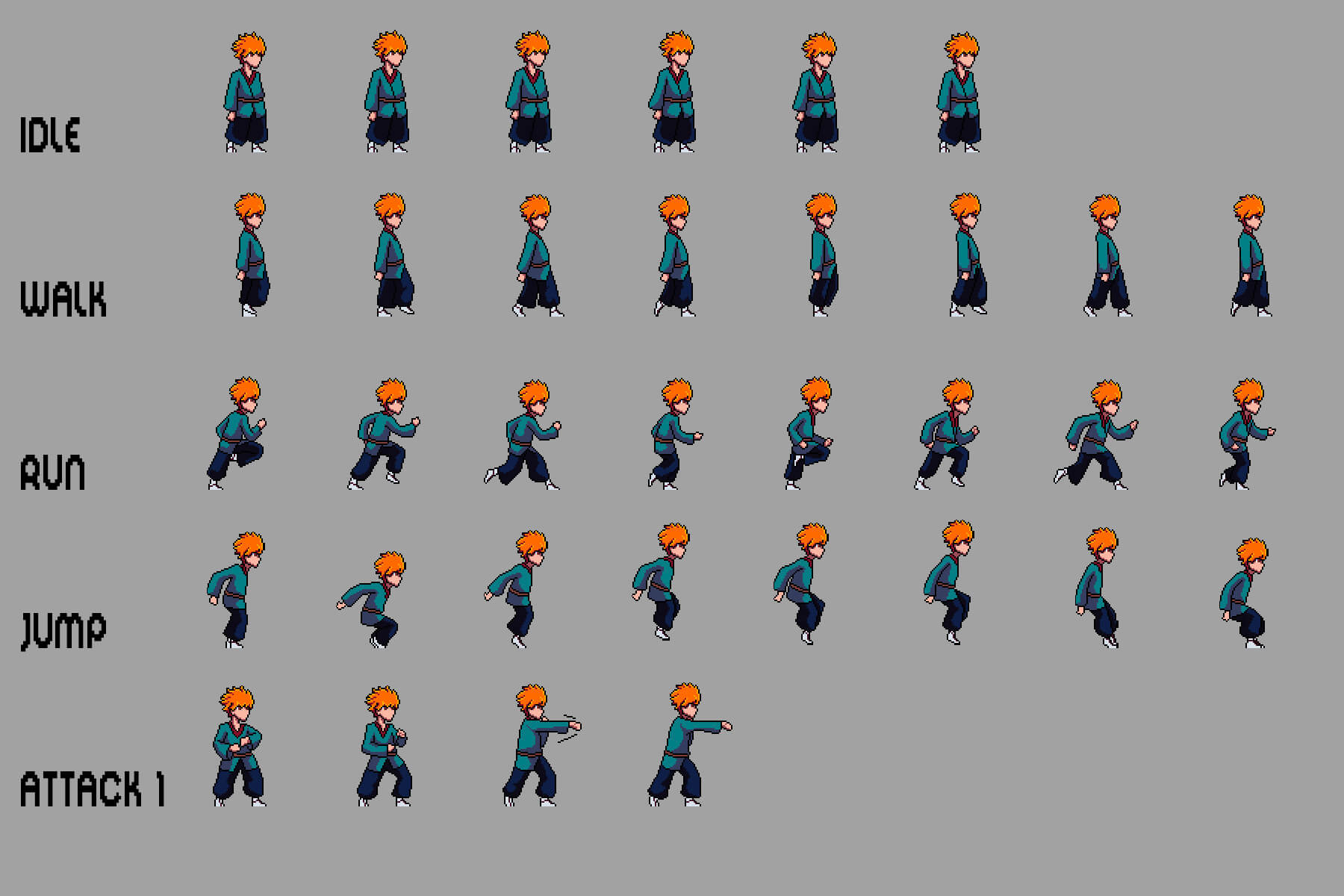
Using sprite sheets or texture atlases can significantly reduce draw calls and improve loading times. These techniques combine multiple icons into a single image file, reducing the number of requests the game needs to make to the graphics card. Keep an eye on file sizes – even small icons can add up if you have hundreds of them.
Game Icon Format Comparison for Web3 Projects (2026 Considerations)
| Format | Scalability | File Size | Transparency Support | Browser Compatibility |
|---|---|---|---|---|
| SVG | Good | Generally Small | Excellent | Excellent |
| PNG | Okay | Moderate | Excellent | Excellent |
| JPG | Poor | Smallest | Poor | Excellent |
Illustrative comparison based on the article research brief. Verify current pricing, limits, and product details in the official docs before relying on it.
No comments yet. Be the first to share your thoughts!