
Pixel Art's Unexpected Comeback
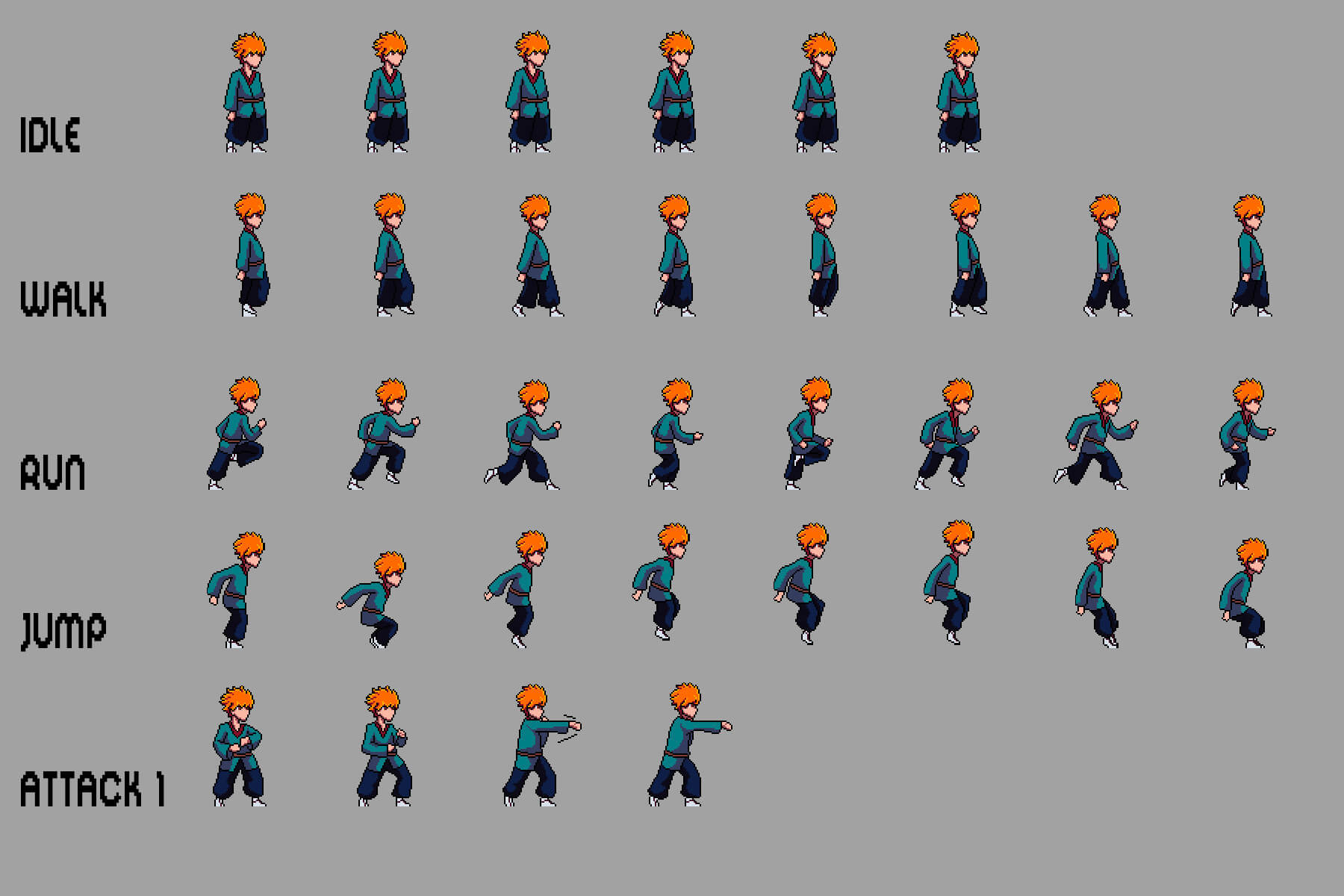
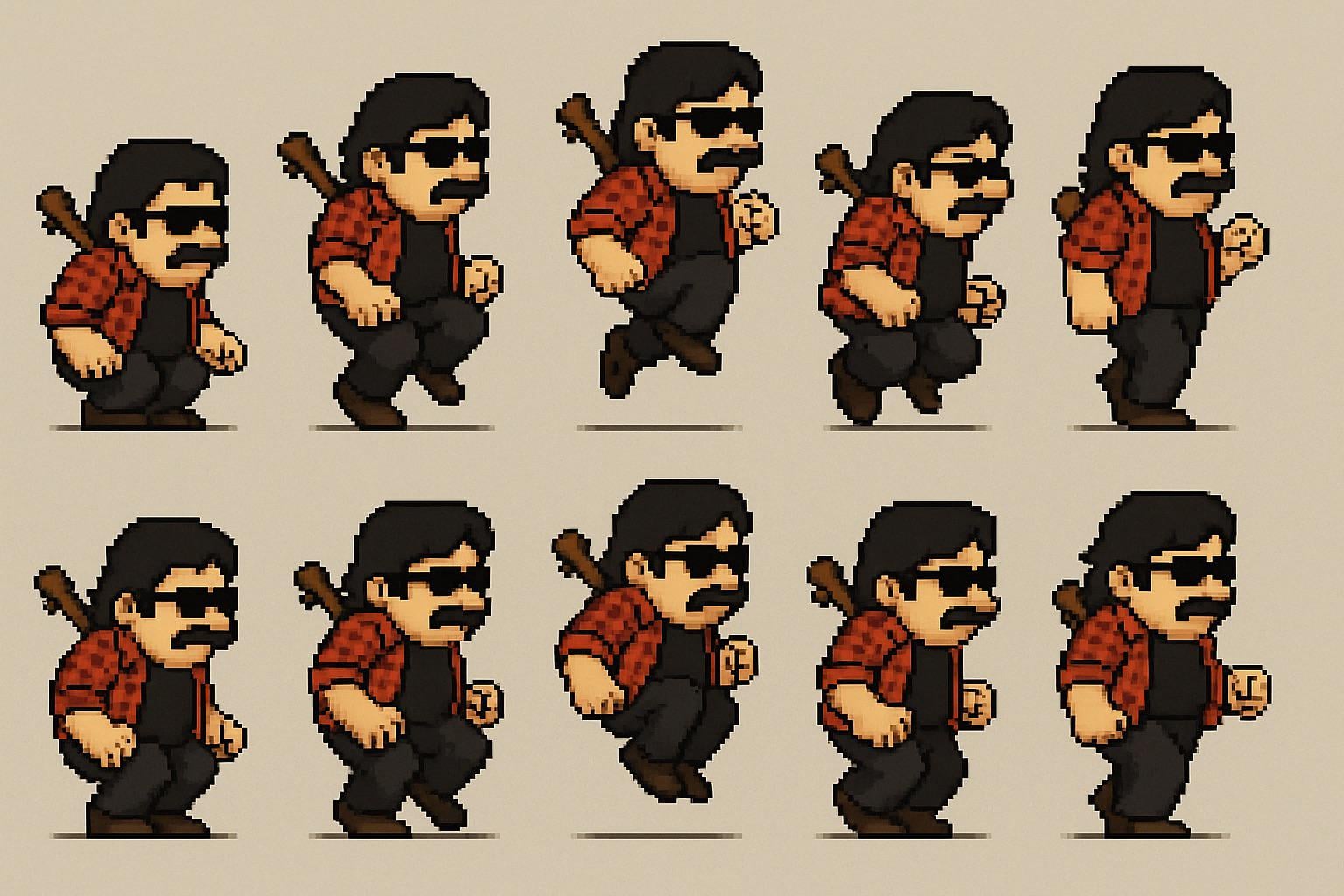
Photorealistic graphics once dominated, but now pixels are back in vogue. The retro aesthetic is experiencing a revival in gaming and digital design, driven partly by a reaction against complex modern game development. Pixel art allows for visually appealing games without massive teams or cutting-edge hardware.
The limitations of 8-bit and 16-bit graphics foster creativity. Developers express emotion and detail through careful color choices and sprite work. Smaller file sizes are also a significant advantage for indie developers and mobile platforms, making it a practical choice.
The indie game scene drives this trend. Games like Stardew Valley and Undertale demonstrate that engaging gameplay and artistic vision matter more than AAA graphics. This has encouraged new developers to embrace the pixelated look, returning to game design's roots of prioritizing fun and imagination.
Game-icons.net: A Free Resource
Game-icons.net offers a large library of free game icons. As of April 2026, the site has over 4180 icons, with dozens added weekly. It has become a go-to resource for indie and larger studios.
Game-icons.net is well-organized with intuitive categories for easy browsing. Icons are available in SVG and PNG formats. SVG's vector nature allows scaling without quality loss, beneficial for various screen resolutions.
Updates can be followed on Twitter or via an RSS feed. The SVG format simplifies customizing icon colors and appearance to match a game's aesthetic.
Shutterstock's Retro Icon Library
Shutterstock provides a vast library of over 279,986 retro gaming icons. As a paid resource with a subscription model, their standard plan offers 10 royalty-free image downloads per month, which can be cost-effective for developers needing a consistent asset stream.
Shutterstock's icons are created by professional designers, ensuring quality, consistency, and detail. This is beneficial for projects requiring a specific look and seamless integration with the game's art style.
Shutterstock is a good option for larger games needing a reliable source of high-quality, royalty-free assets, especially for developers who value consistency and professional-grade visuals. It may not be ideal for tight budgets or minimal icon needs.
Beyond the Big Two: Niche Asset Stores
Beyond game-icons.net and Shutterstock, smaller, specialized asset stores cater to the retro pixel art aesthetic. These often focus on specific genres or styles, offering unique assets.
For RPG enthusiasts, itch.io offers a wealth of icons and retro sprite packs, with many creators using pay-what-you-want pricing. It provides options from classic fantasy to modern sci-fi designs.
Pixel Joint is a community site for discovering artists and commissioning custom sprites, serving as a resource for inspiration and learning. OpenGameArt.org offers a variety of assets, often featuring tile sets and environment graphics. CraftPix.net provides a curated selection of high-quality, consistent pixel art assets.
- itch.io: Diverse RPG sprites and tile sets, pay-what-you-want options.
- Pixel Joint: Community forum for finding artists and commissioning custom work.
- OpenGameArt.org: Hidden gems in tile sets and environment assets.
- CraftPix.net: Curated selection of high-quality pixel art assets.
Authentic 8-bit Asset Store Comparison - 2026
| Platform | Style Focus | Asset Variety | Licensing | Ease of Use |
|---|---|---|---|---|
| Spawn Icon | Highly focused on gaming icons & sprites 👾 | Good selection of specifically game-related assets. | Standard licensing - check individual asset details. | Very straightforward; designed for quick downloads. |
| Game-icons.net | Clean, minimalist, vector-based game icons. | Extensive library (4180+ as of Apr 23, 2026) focused *solely* on icons. Weekly updates. | Free, with attribution often required. Check specific icon details. | Excellent - easy to browse and style, with RSS feed for updates. |
| Shutterstock | Broad, including retro styles, but not exclusively 8-bit. | Massive overall library, with a large number of retro assets (279,986+ as of 2026). | Commercial licenses; typically requires purchase. | Good, but requires navigating a large marketplace. |
| itch.io | Extremely diverse - from hobbyists to professionals. Many pixel art packs. | Highly variable. Can find very niche and unique assets, but quality differs. | Varies widely depending on the creator. Review licenses carefully. | Moderate - depends on the individual creator's page. |
| Unity Asset Store | Wide range, including 2D and pixel art. Many are designed for Unity. | Large, but requires filtering to find authentic 8-bit styles. 📈 | Varies; many assets are commercially licensed. | Good if already using Unity; otherwise, adds complexity. |
| OpenGameArt.org | Free and open-source game assets, including pixel art. | Good variety, but quality can be inconsistent. 🎨 | Generally open-source licenses (CC0, CC-BY), but verify each asset. | Moderate - requires searching and filtering. |
Qualitative comparison based on the article research brief. Confirm current product details in the official docs before making implementation choices.
DIY Pixel Art: Tools and Tutorials
Creating your own pixel art can be rewarding. Aseprite is an industry-standard, paid program specifically designed for pixel art, featuring animation support, tilemap editing, and a robust color palette manager. It's a worthwhile investment for serious pixel artists.
Free options include Piskel, a user-friendly browser-based editor also available as a desktop application, ideal for beginners. GIMP, a free image editor, can be used for pixel art with additional setup, though it's not as specialized as Aseprite or Piskel.
Numerous online tutorials exist, with YouTube offering extensive resources on pixel art techniques and animation. Limiting your color palette can enhance art cohesion and visual appeal; experimenting with different palettes is recommended.
Licensing Considerations: What You Need to Know
undefined
Commercial use licenses allow you to use the asset in a project that generates revenue. Always ensure the license permits commercial use if you plan to sell your game. Attribution requirements mean you must credit the artist or source of the asset in your game’s credits or documentation. It's a simple way to respect the creator's work and comply with the license.
Always, always read the license agreement carefully before using any asset. Pay attention to any restrictions on modification, redistribution, or use in specific types of projects. If you're unsure about anything, it's best to contact the asset creator directly for clarification. Ignoring licensing terms can lead to legal trouble, so it’s worth taking the time to understand your rights and obligations.
Trends in 8-bit Aesthetics: What’s New?
Pixel art isn’t stuck in the past; it’s constantly evolving. Developers are experimenting with newer techniques and pushing the boundaries of the retro aesthetic. One trend I’ve noticed is a move towards more complex color palettes, incorporating gradients and shading to create a more nuanced look. We’re seeing a lot less of the strictly limited color palettes of the original 8-bit era.
There’s also a growing interest in advanced animation techniques. Developers are using techniques like skeletal animation and procedural animation to create more fluid and dynamic sprites. This adds a level of polish and realism to pixel art games that wasn’t possible before. Some developers are even combining pixel art with modern lighting effects, creating a unique visual style.
Beyond gaming, pixel art is also finding its way into other areas of design, like UI design and illustration. The retro aesthetic is appealing to a wider audience, and pixel art offers a unique and nostalgic look. It’s a testament to the enduring power of this art form, and I’m excited to see how it continues to evolve in the years to come.

No comments yet. Be the first to share your thoughts!