
Start with the right icon style
Before you begin searching for game icon downloads, decide on the visual language that defines your project. The style you choose dictates how players perceive your game before they even click install. A mismatched style can make a polished game look amateurish, while a consistent style builds immediate trust.
Pixel art remains the gold standard for retro-inspired titles or complex strategy games. It offers high recognition at small sizes and carries a nostalgic weight that resonates with core gamers. However, pixel art requires careful scaling to avoid jagged edges on high-DPI displays. Vector icons offer crisp scalability for modern mobile games or minimalist interfaces, ensuring your assets look sharp on everything from a phone screen to a 4K monitor. Realistic 3D renders work best for simulation or RPG genres where immersion is paramount, though they often require more processing power to load.
Mobile UIs often benefit from larger, flatter icons with high contrast, while PC games can handle more detailed pixel work.
Consistency is your strongest asset. If your gameplay is stylized, your icon should reflect that same aesthetic. Mixing hyper-realistic icons with cartoonish gameplay creates cognitive dissonance, causing potential players to question the quality of the experience. Start by sketching your core mechanic in your chosen style. This visual anchor will guide your entire asset library, ensuring your game icon downloads align with your brand identity.
Free repositories vs. premium packs
Choosing between free repositories and curated premium packs comes down to two factors: consistency and licensing. Free sites like Flaticon or Game-Icons.net offer vast libraries, but the art styles often clash when mixed. A premium pack guarantees a unified visual language, which saves time on asset hunting and style matching.
Compare your options
| Feature | Free Repositories | Premium Packs |
|---|---|---|
| Cost | Free (often attribution required) | One-time purchase ($10-$50+) |
| Consistency | Mixed styles across different authors | Unified art style and resolution |
| Licensing | Variable; check CC-BY vs. CC0 | Commercial use included, no attribution |
| Variety | Massive volume, but scattered | Curated sets for specific genres |
How to choose the right source
- Define your genre. If you are making a fantasy RPG, look for packs that specialize in that aesthetic rather than hunting individual icons from general sites.
- Check the license. Ensure the free icon allows commercial use without attribution if you want to keep your credits clean. Premium packs usually simplify this.
- Test the set. Download a few samples from free sites to see if the line weights and colors match your game’s UI. If they don’t, switch to a premium pack.
Gather the icons you already have. Note their resolution, color palette, and style. This baseline helps you spot mismatches in new sources.

Decide if you need the volume of free sites or the cohesion of a premium pack. For small projects, free might suffice. For polished releases, premium is safer.
Check licensing before you download
The easiest mistake with Find the Right Game Icon Download for Your Project is comparing options on the most visible detail while ignoring the day-to-day constraint. A choice can look strong on paper and still fail because it is too hard to maintain, too expensive to repeat, or awkward in the actual setting. Use the same checklist for every option: fit, cost, durability, timing, upkeep, and fallback plan. That keeps the comparison practical instead of drifting into preference alone.
The simplest way to use this section is to write down the real constraint first, compare each option against it, and choose the path that still works outside ideal conditions.
Evaluate Sprite Pack Consistency
A single polished icon won’t save a game with jarring visual clashes. When sourcing a game icon download, you are often pulling assets from a larger sprite pack or asset library. If the character sprites don’t share the same DNA, your game will feel disjointed and amateurish. You need to verify that every asset speaks the same visual language before committing to a license.
Start by checking the line weights. If one character has thick, bold outlines while another uses thin, delicate strokes, they will never sit comfortably on the same screen. This mismatch breaks immersion immediately. Zoom in on the corners of the sprites and the thickness of the strokes. They must match across the entire set, regardless of the character’s size or pose.
Color palette cohesion is equally critical. Look at the saturation levels and hue temperature. A pack might mix warm, vibrant oranges with cold, desaturated blues, creating visual noise. Select packs where the colors feel like they belong to the same universe. Consistency in shading style—whether flat, cel-shaded, or gradient-based—also ties the assets together.
Finally, consider the licensing implications. A consistent pack usually comes from a single artist or studio, simplifying your attribution and license management. Mixing and matching inconsistent assets from different sources can lead to legal ambiguities and a fragmented art direction. Prioritize cohesive packs to maintain professional quality and streamline your development pipeline.
Download and test your assets
Find the Right Game Icon Download for Your Project works best as a clear sequence: define the constraint, compare the realistic options, test the tradeoff, and choose the path with the fewest hidden costs. That order keeps the advice usable instead of decorative. After each step, pause long enough to check whether the recommendation still fits the reader's actual situation. If it depends on perfect timing, unusual access, or a best-case budget, include a simpler fallback.
Recommended game icon downloads
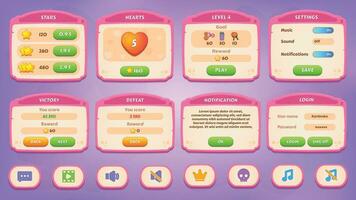
If you need a cohesive visual language without spending weeks designing assets, buying a curated icon pack is the most efficient path. These collections solve the consistency problem by providing a unified art style, line weight, and color palette across all symbols. For indie developers, this ensures your game’s UI feels professional and intentional rather than patchworked from disparate sources.
When selecting a pack, prioritize licensing clarity. Ensure the license allows for commercial use in video games, which is distinct from standard web or print usage. Also, check the file formats included; modern development workflows benefit from SVG or PNG spritesheets that scale cleanly across different screen resolutions.
The following Amazon listings feature highly rated icon packs suitable for game development. These selections are chosen for their variety, style cohesion, and positive feedback from other creators.
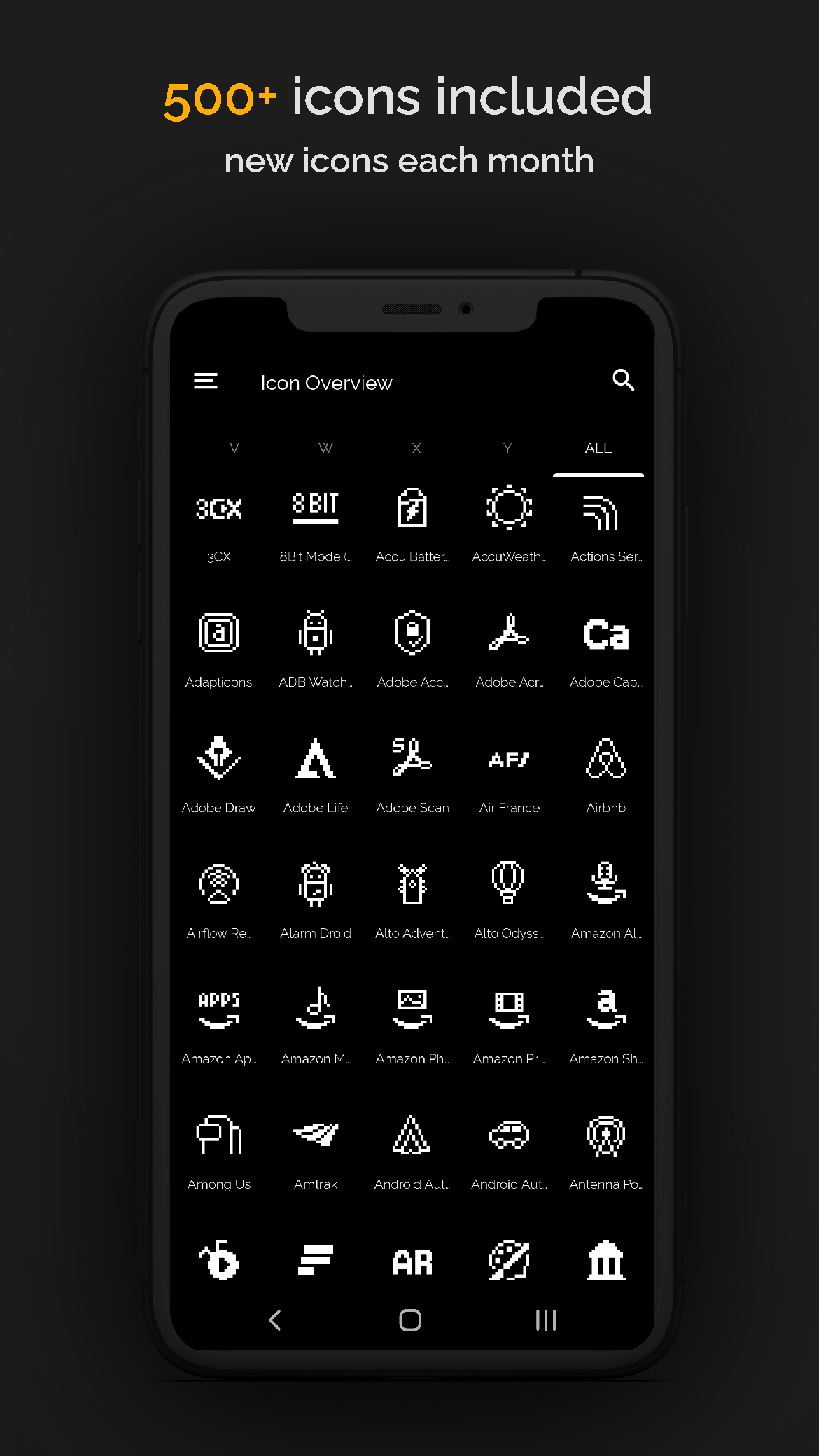
- 64x64 sprite sheets
- RPG and adventure themes
- Commercial license included

As an Amazon Associate, we may earn from qualifying purchases.
Common questions about game assets
Choosing the right icon involves balancing technical compatibility with legal safety. The following answers address the most frequent hurdles indie developers face when sourcing assets for their projects.

As an Amazon Associate, we may earn from qualifying purchases.
When in doubt, prioritize clarity and legal safety over aesthetic novelty. A well-attributed, consistent icon set is far more valuable than a mismatched collection of free assets.
No comments yet. Be the first to share your thoughts!