
Technical specs to check before buying
Performance optimization is always important, but it’s especially critical for 2D games targeting mobile platforms or lower-spec PCs. Unoptimized sprites can quickly become a major performance drain, leading to low frame rates, excessive battery consumption, and a poor user experience. When evaluating a sprite pack, look beyond just the visual aesthetics and consider the underlying technical details.
Texture atlases are the most basic way to save performance. Packing sprites into one large texture reduces draw calls, which keeps the CPU from bottlenecking the GPU. I've found that packs without pre-built atlases usually aren't worth the setup time.
Sprite sheet packing is the process of arranging sprites within a texture atlas to minimize wasted space. Efficient packing algorithms maximize texture utilization, reducing the overall texture size and memory footprint. Pay attention to whether the asset description mentions optimized packing or if it’s simply a collection of individual sprite images.
Texture compression is another vital consideration. ETC2 is a widely supported format, but ASTC offers better quality at comparable sizes, especially on mobile devices. The best format depends on your target platform and visual fidelity requirements. Look for packs that provide textures in multiple compression formats to offer flexibility.
- Texture atlases to keep draw calls low
- Efficient Packing: Minimizes wasted texture space.
- ASTC and ETC2 compression support for mobile and PC
- Mipmapping: Improves rendering quality at different distances.
Recommended character packs
The Unity Asset Store is a treasure trove of character sprite packs, but quality and optimization levels vary significantly. Here are a few standout options that demonstrate compatibility with modern Unity workflows and a commitment to performance. Prices are current as of today, but are subject to change.
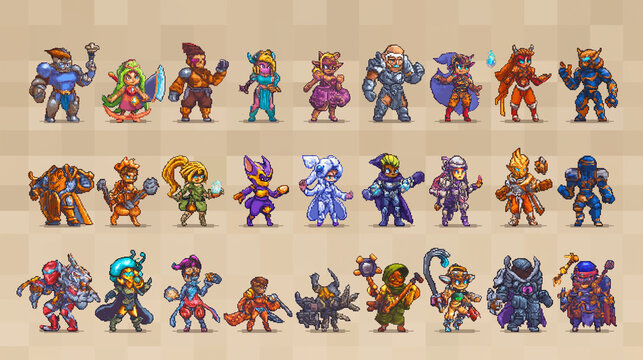
Pixel Art Hero – 2D Characters ($39.99): This pack offers a comprehensive collection of pixel art characters suitable for RPGs and platformers. The sprites are meticulously crafted and come with a well-organized texture atlas. The developer actively maintains the asset and provides regular updates. It’s a solid choice for projects requiring a retro aesthetic.
Fantasy Characters – 2D Sprite Pack ($49.99): Targeted towards fantasy RPGs, this pack includes a diverse range of characters with detailed animations. The sprites are hand-drawn with a vibrant style. The pack includes multiple variations of each character, allowing for customization. It’s optimized for performance with efficient texture atlases.
Sci-Fi Soldiers – 2D Sprite Pack ($59.99): If your game leans towards science fiction, this pack provides a collection of futuristic soldiers and enemies. The sprites are vector-based, meaning they can be scaled without loss of quality. This is particularly useful for supporting different screen resolutions. The pack also includes a variety of weapons and accessories.
Modern Civilian Sprite Pack ($29.99): A versatile pack for games set in contemporary environments. It features a wide range of characters representing different professions and demographics. The art style is clean and modern, making it suitable for a variety of genres. It's optimized for mobile performance.
Cute Animals Sprite Pack ($19.99): Don't underestimate the power of adorable. This pack provides a collection of charming animal sprites perfect for casual games or children's titles. The sprites are designed with simplicity in mind, making them easy to animate and integrate into your project. It’s a lightweight option that won’t impact performance.
Sprite Pack Feature Impact on Performance - Unity 2026 Compatibility
| Feature | Performance Impact | Description |
|---|---|---|
| Texture Atlas Usage | High | Combining multiple sprites into a single texture reduces draw calls, a significant performance bottleneck. Proper atlas creation minimizes wasted space and texture memory. |
| Sprite Sheet Packing Efficiency | Medium | Tight packing within sprite sheets reduces texture memory footprint. Less efficient packing leads to larger file sizes and potentially increased load times. |
| Polygon Count (per Sprite) | High | Lower polygon counts directly translate to reduced rendering load, especially for complex characters. Higher counts demand more processing power from the GPU. |
| Animation Frame Rate | Medium | Higher frame rates create smoother animations but increase the number of sprites processed per second. Balancing visual fidelity with performance is key. |
| Color Depth & Format | Medium | Using optimized color depths (e.g., 16-bit instead of 32-bit where appropriate) and compressed texture formats (e.g., ETC2, ASTC) reduces memory usage. Trade-offs exist between compression and visual quality. |
| Pivot Point Consistency | Low | Consistent pivot points across all sprites in a pack simplify animation and reduce potential runtime calculations. Inconsistent pivots can introduce minor performance overhead. |
| Sprite Mesh Generation | Medium | Some sprite packs utilize generated meshes for effects. While visually appealing, these can be more expensive to render than standard sprites, particularly on lower-end hardware. |
Qualitative comparison based on the article research brief. Confirm current product details in the official docs before making implementation choices.
Beyond Characters: Environment & UI Assets
A compelling game world requires more than just well-designed characters. Environment sprite packs, including tilesets and backgrounds, are essential for creating immersive levels. Similarly, UI sprite packs – buttons, icons, and other interface elements – contribute significantly to the overall user experience. The same optimization principles apply to these assets.
2D Platformer Art Pack – Tileset ($24.99) is a popular choice for platformer games. It features a comprehensive set of tiles for creating diverse and engaging levels. The tiles are designed to seamlessly connect, allowing for easy level construction. The pack is optimized for performance and includes multiple color variations.
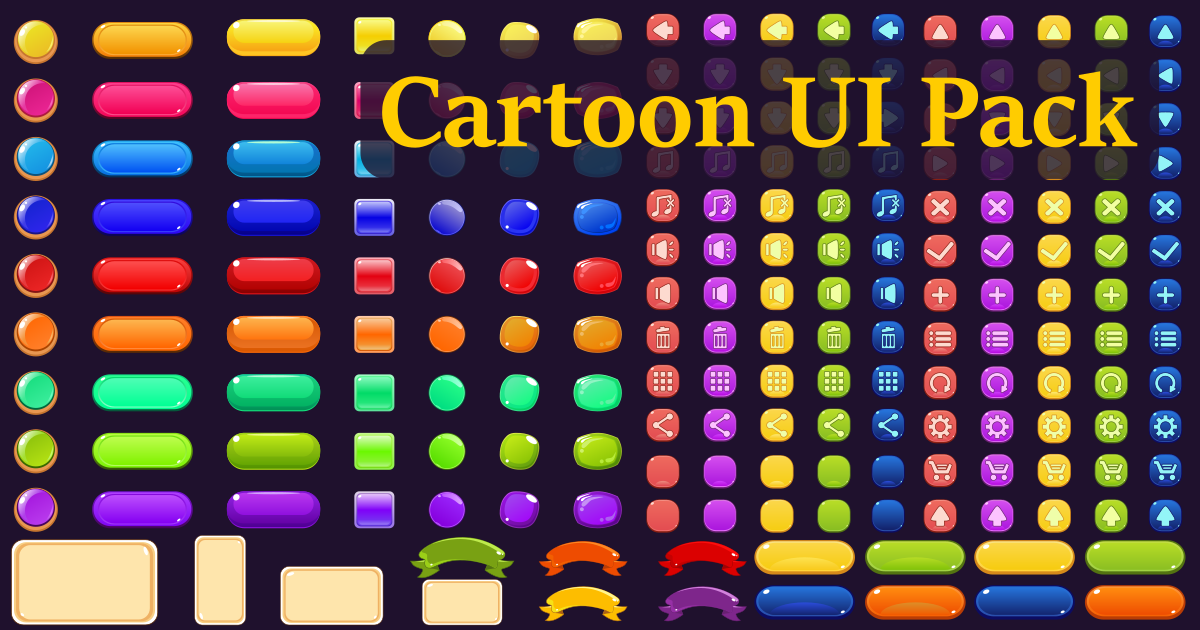
UI Sprite Pack – Modern Style ($19.99) offers a collection of sleek and modern UI elements. The sprites are vector-based, ensuring scalability and sharpness. The pack includes a variety of buttons, sliders, and other interface components. It’s easy to customize to match your game's aesthetic.
Animation Considerations: Skeleton vs. Sprite Sheets
There are two primary approaches to animating 2D sprites: skeletal animation and sprite sheet animation. Each has its own strengths and weaknesses. Skeletal animation, often used with tools like Spine or DragonBones, involves creating a digital "skeleton" and attaching sprites to it. This allows for fluid and natural-looking animations, but it can be more resource-intensive, especially with complex rigs.
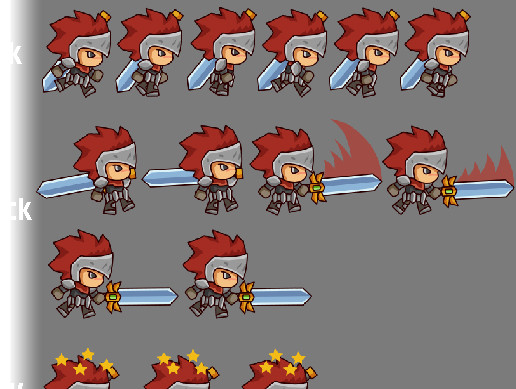
Sprite sheet animation, on the other hand, relies on a sequence of images displayed in rapid succession to create the illusion of movement. It’s simpler to implement and generally more performant, but it can be less flexible. Modifying animations after creation can be time-consuming. Choosing the right approach depends on the complexity of your animations and your performance budget.
When considering Unity 2026, both methods will likely remain viable. However, the emphasis on performance optimization may favor sprite sheet animation for simpler characters and animations. Skeletal animation will continue to be preferred for complex characters and detailed movements, but careful optimization will be crucial.
- Skeletal Animation: Flexible, natural-looking, but resource-intensive.
- Sprite Sheet Animation: Simpler, performant, but less adaptable.
Import Settings: Maximizing Efficiency
Properly configuring import settings is crucial for maximizing the performance of your sprite packs. Texture compression should be carefully considered based on your target platform. For mobile devices, ASTC generally provides the best balance between quality and size. For PC and consoles, ETC2 or even uncompressed formats may be suitable.
Filtering mode determines how the texture is sampled when scaled. For pixel art, 'Point (no filter)' is often the best choice to preserve sharp edges. For higher-resolution sprites, 'Bilinear' or 'Trilinear' filtering can improve visual quality. Sprite packing settings control how sprites are arranged within the texture atlas. Ensure that 'Tight Packing' is enabled to minimize wasted space.
Mesh generation settings determine how sprites are converted into meshes. Experiment with different mesh types to find the optimal balance between performance and visual fidelity. Consider using the 'Sprite' mesh type for simpler sprites and the 'Full Mesh' type for more complex shapes.
Community Feedback: What Developers Are Saying
Developer discussions on forums like Reddit’s r/Unity3D consistently highlight the importance of optimized sprite atlases. Many users report significant performance improvements simply by ensuring that their sprite packs utilize efficient texture packing. Concerns about draw calls also frequently arise, with developers emphasizing the need to minimize the number of sprites rendered simultaneously.
On the Unity forums, users have noted that some asset packs advertised as "optimized" still contain unnecessarily large textures or inefficient sprite sheets. This underscores the importance of carefully evaluating assets before purchasing. Several users recommend using the Sprite Packer tool (documented on docs.unity3d.com) to further optimize sprite atlases after importing assets.
No comments yet. Be the first to share your thoughts!