ai icon generators in 2026
AI art moved fast. By 2026, the quality of generated icons finally caught up to the needs of game development. A few years ago, these tools only produced abstract blobs useful for prototyping. Now, the output is consistent enough to use in a final build. I don't see this as an artist replacement, but it's a massive shortcut for solo devs who can't draw.
Accessibility is also a huge factor. What used to require expensive software and specialized skills is now available to anyone with an internet connection. Several platforms offer AI icon generation as a built-in feature, or as a standalone service. This democratization of art creation is really leveling the playing field for smaller studios and solo developers. We’re at a turning point where the quality finally matches the demand, making AI a viable option for more than just placeholder art.
The improvements aren’t just about aesthetics. AI is getting better at generating icons in specific formats – pixel art, vector graphics, isometric designs – that are directly usable in game engines. This reduces the amount of post-processing needed, saving developers valuable time and resources. While there's still room for improvement, the progress in the last couple of years has been remarkable. It’s a genuinely exciting time for game development resources.
the reality of free tools
Let’s be real: free tools are tempting, especially for indie developers operating on a tight budget. Flaticon is a great starting point, offering an AI icon generator alongside its vast library of pre-made icons. You can also find AI-assisted graphic features popping up within larger design platforms like Canva, offering a quick and easy way to generate basic icons. However, it’s important to understand the trade-offs.
The biggest limitations with free options are usually resolution and style consistency. You might get an icon that looks okay, but it might not scale well or fit seamlessly with your game's overall art style. Commercial use rights can also be restrictive. Always read the fine print to make sure you’re allowed to use the generated icons in your commercial project. Some free tools might require attribution, which isn’t a deal-breaker, but it’s something to be aware of.
I've been digging around on itch.io, and there’s a growing collection of game assets created with AI assistance, including icons. These are often shared by individual creators, and the quality can vary wildly. It’s a good place to find unique assets, but you’ll need to carefully vet each one. Free tools are fantastic for prototyping, brainstorming, or creating placeholder art, but don’t expect them to deliver production-ready assets consistently.
where premium services actually help
Stepping up to premium AI icon services opens up a world of possibilities, but also comes with a price tag. The benefits are clear: higher resolution outputs, greater control over style, dedicated support, and – crucially – comprehensive commercial licensing. This means you can confidently use the generated icons in your game without worrying about legal issues.
Right now, there aren't a ton of services specifically focused on game icons. Instead, we’re looking at AI art generators like Midjourney or DALL-E 3, which can be prompted to create high-quality icons. These platforms typically operate on a subscription model, with pricing based on the number of images generated. One-time purchases are less common, but some services offer credit packs.
Cost is a major consideration for indie developers. Midjourney, for example, starts around $10 per month, while DALL-E 3 is integrated into ChatGPT Plus, which is around $20 per month. These costs can add up quickly, so it’s important to carefully evaluate your needs. Think about how many icons you’ll need, how much customization you require, and whether the benefits justify the expense. I’m not sure about a direct cost comparison between these platforms, but it’s worth researching which one offers the best value for your specific use case.
Some services allow batch generation. If you need 50 status effect icons at once, this is the only way to keep the style uniform. Check the documentation before paying; some tools have better guides for game-specific prompts than others.
getting the style right
This is where the gap between free and premium tools becomes really apparent. With free AI icon generators, you're often limited to a small set of pre-defined styles or a very basic text prompt. Getting the AI to generate an icon that perfectly matches your game's aesthetic can be a frustrating experience. You might get close, but rarely exactly what you need.
Premium services, on the other hand, offer much more granular control. They allow you to specify detailed prompts, upload reference images, and even fine-tune the generated output through iterative refinement. You can tell the AI to create a '16-bit pixel art icon of a health potion,' and it’s much more likely to deliver something usable. The ability to upload reference images is a game-changer, allowing you to directly influence the style and color palette.
Prompt engineering is key here. Learning how to write effective prompts is a skill in itself. The more specific and detailed your prompt, the better the results. Premium tools often provide resources and tutorials to help you master this art. It's an iterative process – you’ll need to experiment with different prompts and settings to achieve the desired outcome.
- Use specific keywords like '16-bit' or 'isometric' instead of just 'icon'.
- Upload your existing character art as a reference to match the color palette.
- Iterative Refinement: Adjust the prompt and settings based on the results.
licensing and usage rights
This is non-negotiable: understand the licensing terms before using any AI-generated art in your game. With free tools, the licensing is often more restrictive. You might need to provide attribution, and commercial use might be limited. Always check the terms of service carefully. Ignoring these terms could lead to legal trouble down the road.
Premium services generally offer more generous licensing terms. They typically grant you full commercial rights to the generated icons, meaning you can use them in your game without attribution. However, even with premium services, it’s important to read the fine print. Some services might retain certain rights to the underlying AI model.
I'm not a lawyer, but you need to check who owns the copyright. Some platforms claim ownership of anything generated on a free tier. Check if you can modify the images or if the license dies if you cancel your subscription. The Creative Commons site has a good breakdown of these distinctions.
top 5 generators for indie games
Okay, let's get down to specifics. Here are five AI icon generators that stand out for indie game developers in 2026. This is based on current capabilities and trends, and things are evolving rapidly.
1. Midjourney: (Paid - $10+/month) Excellent for creating high-quality, stylized icons. Requires a Discord account. Best for: Detailed, artistic icons with a consistent aesthetic.
2. DALL-E 3 (via ChatGPT Plus): (Paid - $20+/month) Powerful image generation with strong prompt understanding. Integrated into ChatGPT, making it easy to iterate on designs. Best for: Versatile icon creation, from pixel art to vector graphics.
3. Flaticon AI Icon Generator: (Free/Premium) A convenient option for quick icon generation. The free version has limitations, but the premium version offers more features and higher resolution. Best for: Simple, flat-style icons and prototyping.
4. Leonardo.Ai: (Free/Paid) Offers a range of AI image generation tools, including specific models for game assets. The free tier is generous, but the paid plans unlock more features. Best for: Experimenting with different art styles and generating variations.
5. Bing Image Creator (powered by DALL-E 3): (Free) Accessible and easy to use, offering surprisingly good results for a free tool. Best for: Quick icon generation and brainstorming.
Essential Tools for Indie Devs: Elevate Your AI Game Icons

Large drawing surface for expansive creativity · Pro Pen 3 with customizable settings for precision · Bluetooth connectivity for wireless freedom
This professional-grade tablet offers unparalleled precision and control, perfect for artists who need to fine-tune every detail of their AI-generated icons.
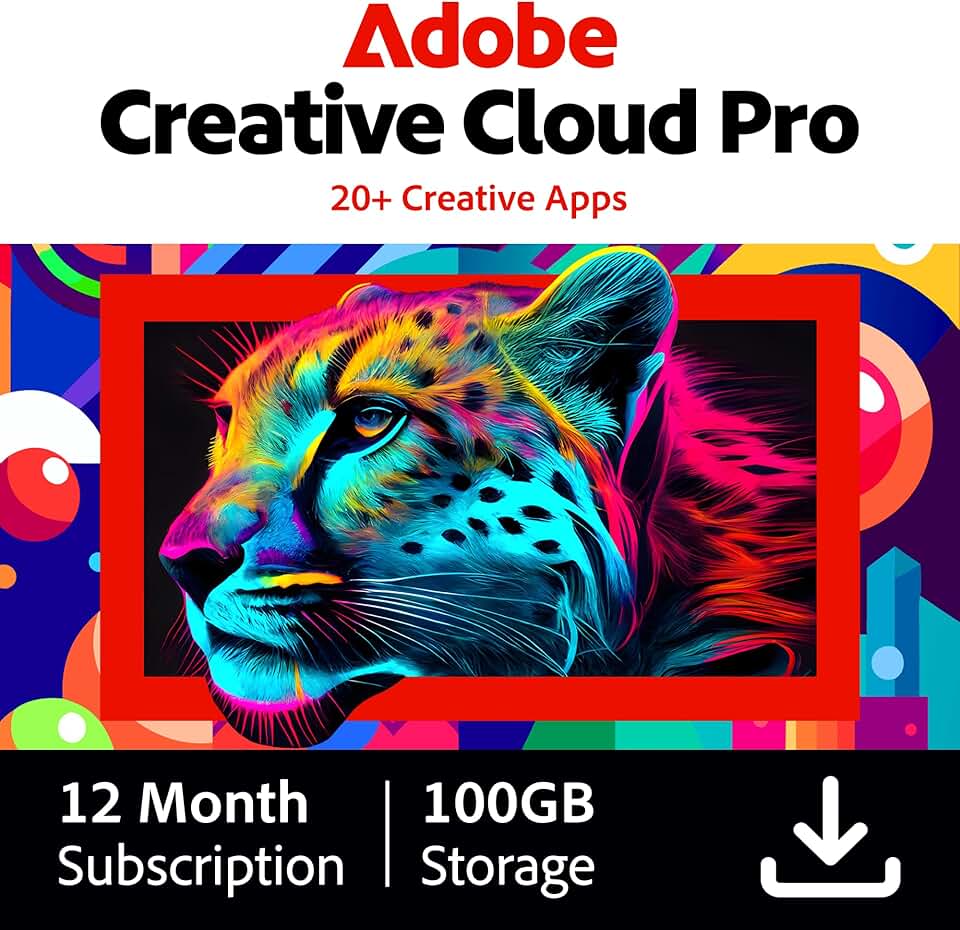
Access to over 20 industry-standard creative applications · 100GB of cloud storage for easy file management · Comprehensive suite for all design and editing needs
Adobe Creative Cloud provides a powerful, all-in-one solution for editing, enhancing, and preparing your AI-generated icons with professional tools.

Step-by-step tutorials for Procreate beginners · Focuses on digital painting techniques · Learn to create art on an iPad
This guide is ideal for indie developers looking to learn digital art fundamentals on an iPad, enabling them to customize and integrate AI icons with ease.

Covers core principles of video game design · Practical advice for creating engaging games · Insights into the game development process
Understanding game design principles will help you ensure your AI-generated icons fit perfectly within the aesthetic and functional goals of your game.

In-depth exploration of AI video generation · Covers advanced techniques and professional workflows · Focuses on mastering AI tools
This free resource offers invaluable insights into AI generation workflows, which can be directly applied to understanding and refining AI-generated game icons.
As an Amazon Associate I earn from qualifying purchases. Prices may vary.
moving icons into your game engine
Getting the generated icons into your game engine should be relatively straightforward. Most AI icon generators output images in common formats like PNG or JPG, which are readily supported by Unity and Unreal Engine. However, you might need to do some post-processing to optimize the icons for your game.
Sprite sheet creation is a common task. Tools like TexturePacker can automatically create sprite sheets from individual icons, reducing draw calls and improving performance. You might also need to adjust the icon size and resolution to match your game’s art style. Some game engines have built-in tools for image optimization, which can help reduce file size without sacrificing quality.


No comments yet. Be the first to share your thoughts!