
Defining icons and sprites
People use 'icon' and 'sprite' interchangeably, but they do different jobs. Icons live in your UI—think health bars and inventory slots. Sprites are the actual objects in the world, like your hero or a tree. You need both to look good, but you build them differently.
Common styles range from the retro aesthetic of pixel art, favored by indie titles and those aiming for a nostalgic feel, to the scalability of vector graphics, ideal for modern, high-resolution displays. 3D renders, while less common for core icons, find use in more realistic or visually ambitious games. The choice of style heavily influences the overall look and feel of a game.
Resolution is a constant consideration. Mobile games demand smaller assets to conserve bandwidth and storage, while PC and console games can support much higher resolutions. Aiming for vector-based icons allows scaling without loss of quality, but even then, careful optimization is necessary. A 32x32 pixel icon that looks crisp on a mobile screen will appear blurry on a 4K monitor, and vice versa. The goal is clarity and readability across target platforms.
The reality of AI generators
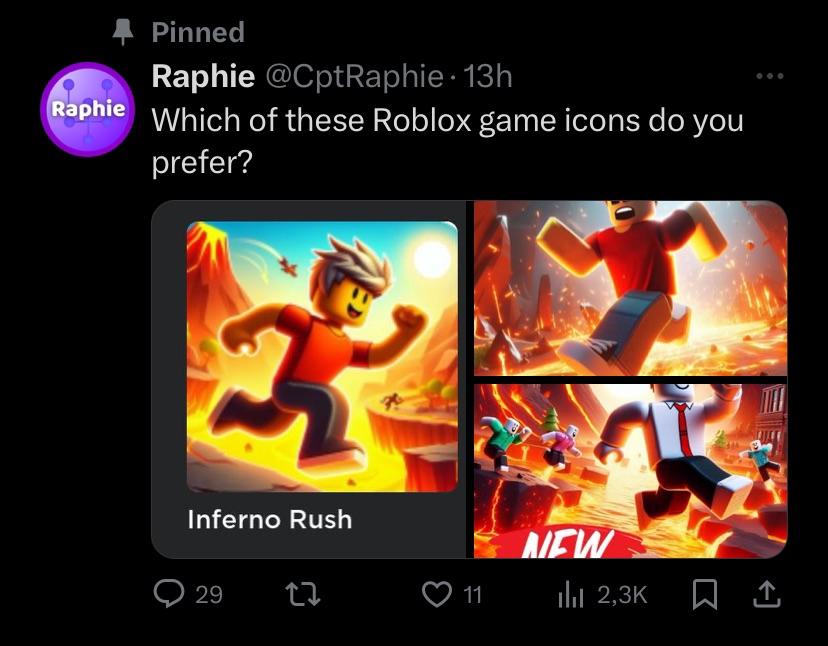
AI-powered icon generation is rapidly evolving. Platforms like Flaticon now offer AI capabilities, allowing users to create icons from text prompts. These tools excel at generating a large number of icons quickly and at a relatively low cost. This speed is particularly appealing during the prototyping phase, when you need placeholder assets fast.
AI has limits. You're stuck with whatever the model thinks your prompt means, which makes specific styles hard to nail. Most results feel a bit soulless compared to something a person drew. If the training data is messy, your icons will be too.
Copyright is a significant concern. Understanding the licensing terms of the AI platform is crucial. Some platforms grant you full commercial rights to the generated images, while others retain ownership or impose restrictions. Flaticon, for example, offers a wide range of licensing options depending on your subscription level. It's essential to read the fine print before using AI-generated icons in a commercial project. These tools are best suited for simple, non-critical icons where speed and cost are paramount.
Currently, these tools don't handle complex animations or multiple frames for sprite sheets well. They are primarily focused on static icons and simple symbols. The Noun Project also offers AI capabilities, focusing on a similar model – quick generation of basic icons. While improving, they still require a human touch for refinement.
Hand-Crafted Sprites: The Artist's Touch
Hand-crafted sprites represent the traditional approach to game art. The process begins with concept art, followed by detailed pixel-by-pixel creation. Skilled artists meticulously shape each frame of animation, ensuring smooth movement and visual appeal. This is where true artistic vision comes into play.
The benefits are substantial. You have complete control over the style, ensuring it perfectly matches your game’s aesthetic. You can optimize sprites for specific game engines, reducing file size and improving performance. A consistent visual style, achieved through the expertise of a dedicated artist, is invaluable for building a memorable game world.
However, hand-crafted sprites are time-consuming and expensive. A single character sprite sheet can take days or even weeks to create, depending on its complexity. Finding and hiring a skilled pixel artist requires effort, and their rates can be significant. This is especially true for artists with a unique or highly sought-after style.
The investment in handcrafted art isn’t just about the final product; it’s about building a cohesive visual identity. A well-defined art style can elevate a game, making it stand out from the crowd. This is particularly important in crowded markets like mobile gaming where first impressions matter.
What you'll actually pay
The cost of game icons and sprites varies dramatically depending on the method. AI icon generators typically operate on a subscription model. Flaticon, as of late 2024, offers plans ranging from $10.99 to $59.99 per month, depending on the number of downloads and features. Per-image costs can also apply for premium assets.
Freelance artists, on the other hand, charge by the hour or per asset. Rates vary based on experience, skill level, and location. A junior artist might charge $20-$30 per hour, while a seasoned professional could command $60-$100 or more. A simple icon could cost $50-$150, while a complex character sprite sheet could easily exceed $500.
Long-term costs need to be considered. AI-generated icons may require frequent updates to maintain consistency or address stylistic issues. Commissioning a human artist often includes revision rounds, ensuring the final product meets your exact specifications. Style consistency is also more easily maintained with a dedicated artist.
- Flaticon subscription: $11 - $60 per month
- Simple AI Icon (per image): $1 - $5 (estimated)
- Freelance Artist (Junior): $20 - $30/hour
- Simple Hand-Crafted Icon: $50 - $150 (per icon)
- Freelance Artist (Senior): $60 - $100+/hour
- Complex Sprite Sheet: $500+ (per sheet)
AI-Generated vs. Hand-Crafted Game Icons: A Comparative Analysis (2026)
| Factor | Hand-Crafted Sprites |
|---|---|
| Cost | Medium to High |
| Speed | Low |
| Artistic Control | High |
| Uniqueness | High |
| Revision Process | High |
| Long-Term Consistency | High |
| Scalability | Medium |
| Technical Skill Required | High |
Illustrative comparison based on the article research brief. Verify current pricing, limits, and product details in the official docs before relying on it.
Quality Assessment: Side-by-Side Examples
Take a health potion icon. An AI prompt for 'red liquid in a glass bottle' usually gives you something usable but flat. The shading is often wonky, and it looks like a thousand other icons you've seen before.
A hand-crafted sprite, in contrast, would showcase deliberate pixel placement, carefully chosen colors, and subtle animations. The artist might add unique details – bubbles rising in the liquid, a chipped bottle, a glowing effect – that elevate the icon beyond a simple representation. The result is a more visually appealing and memorable asset.
For a 'sword' icon, the AI might struggle to accurately depict the intricacies of the blade and hilt. The proportions could be off, and the texture might appear muddy. A hand-crafted sprite allows for precise control over every pixel, resulting in a sharp, detailed, and visually striking weapon. This difference is even more pronounced with character sprites.
AI excels at creating variations quickly. Need ten different potion colors? AI can deliver. But AI often struggles with consistency across variations. A human artist can ensure that all variations adhere to the same style and quality standards. The best use of AI in this context is rapid prototyping – quickly generating concepts for an artist to refine.
- AI is fast and cheap for making variations
- AI Weaknesses: Lack of artistic control, potential for generic results, inconsistent quality
- Hand-Crafted Strengths: Unique style, full creative control, optimization for specific engines, consistent visual style
- Hand-Crafted Weaknesses: Time-consuming, requires skilled artists, potentially higher cost
Essential Tools for Game Art Creation: AI-Generated Icons & Hand-Crafted Sprites

Large drawing area for expansive creative freedom · Pro Pen 3 with customizable settings for precise control · Seamless Bluetooth connectivity for a clutter-free workspace
The Wacom Intuos Pro offers unparalleled precision and a vast canvas essential for detailed digital art creation, whether for AI-assisted workflows or traditional sprite design.

15.6-inch Full HD display with 120% sRGB color accuracy · Tilt support and 8192 levels of pressure sensitivity for natural drawing · Ergonomic Red Dial and 8 customizable shortcut keys for efficient workflow
This display tablet provides a direct drawing experience with vibrant colors and responsive input, crucial for artists who need immediate visual feedback during the creation process.

Access to over 20 industry-standard creative applications · 100GB of cloud storage for seamless file management and collaboration · 12-month subscription for continuous access to the latest software updates
Adobe Creative Cloud is the definitive suite for professional digital art, offering the powerful tools needed to refine AI-generated assets or craft bespoke game graphics.
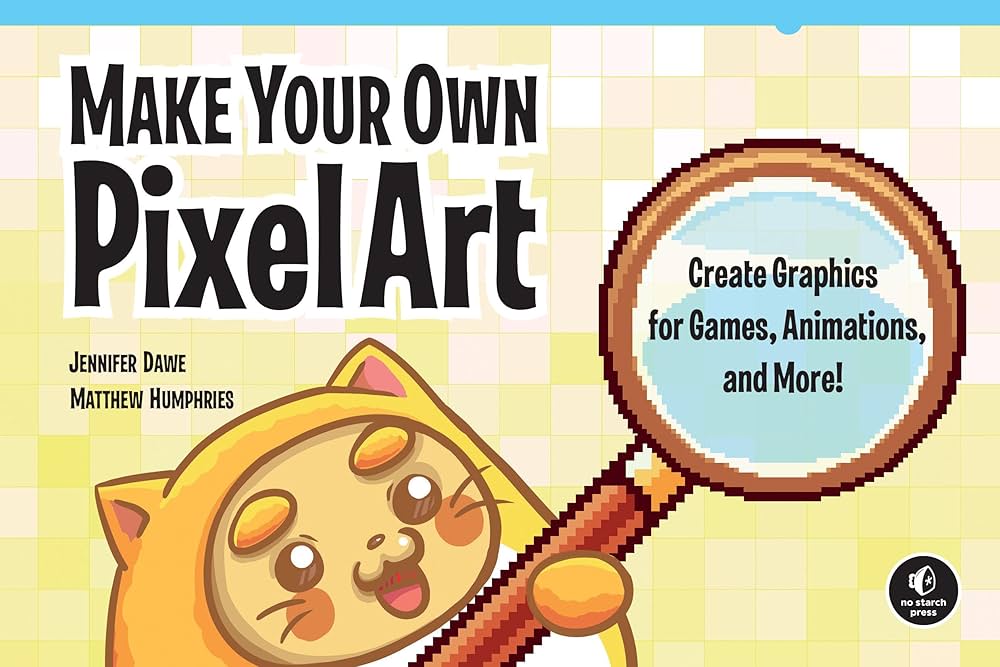
Dedicated pixel art and animation software · Layer support for complex animations · Onion skinning for fluid frame-by-frame animation
Aseprite is the industry-standard software for creating pixel art and animations, providing the precise tools required for meticulous sprite design and animation.

Advanced ergonomic design for extended comfort · Ultra-fast scrolling and customizable buttons for enhanced productivity · 8K DPI sensor for precise tracking on virtually any surface
The Logitech MX Master 3S is an indispensable tool for navigating complex software and managing large projects with its superior ergonomics and customizable controls.
As an Amazon Associate I earn from qualifying purchases. Prices may vary.
Legal Considerations: Copyright and Licensing
The legal landscape surrounding AI-generated art is still evolving. Currently, the consensus is that AI-generated images are not automatically protected by copyright. The argument is that the AI, not a human, is the 'author' of the work, and copyright law typically requires human authorship.
However, the situation is complex. If you significantly modify an AI-generated image – adding substantial artistic elements, altering the composition, or incorporating it into a larger artwork – you may be able to claim copyright over the modified version. The extent of your copyright will depend on the degree of your creative input.
The licensing terms of the AI platform are crucial. Carefully review the terms of service to understand your rights and obligations. Some platforms may require attribution, while others may prohibit commercial use. Flaticon’s licensing varies depending on the subscription level. Conversely, commissioning artwork from a human artist typically involves a clear work-for-hire agreement, granting you full ownership of the copyright.
What is your primary use case for game icons and sprites?
Select the option that best describes your current development workflow.


No comments yet. Be the first to share your thoughts!