
Why sprite style matters for your game
Picking a visual style isn't just an aesthetic choice; it’s a development constraint that dictates your workflow. Pixel art and vector graphics offer fundamentally different advantages when you are building an indie game solo or with a small team. Your choice directly impacts how long it takes to produce assets and how the game feels on screen.
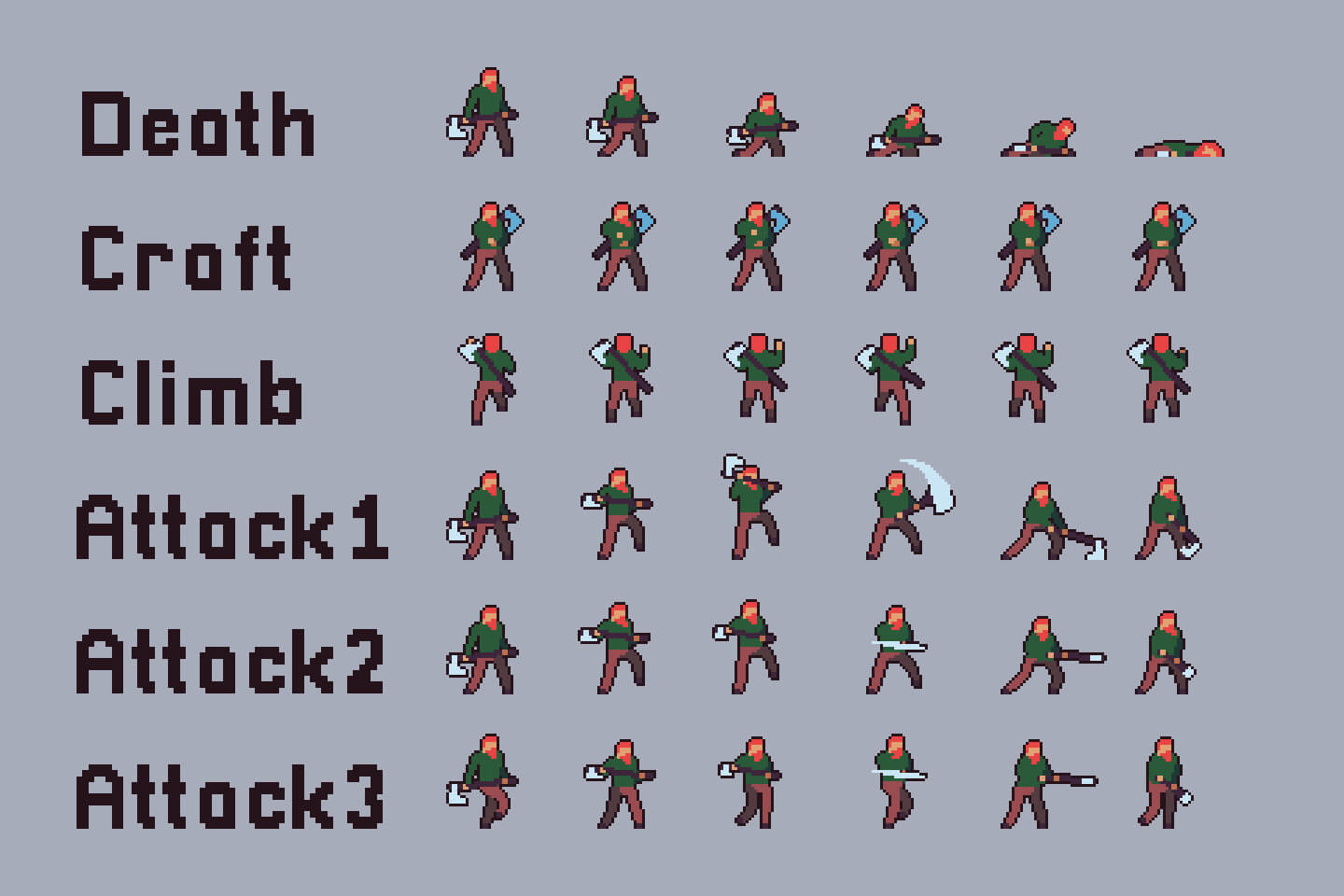
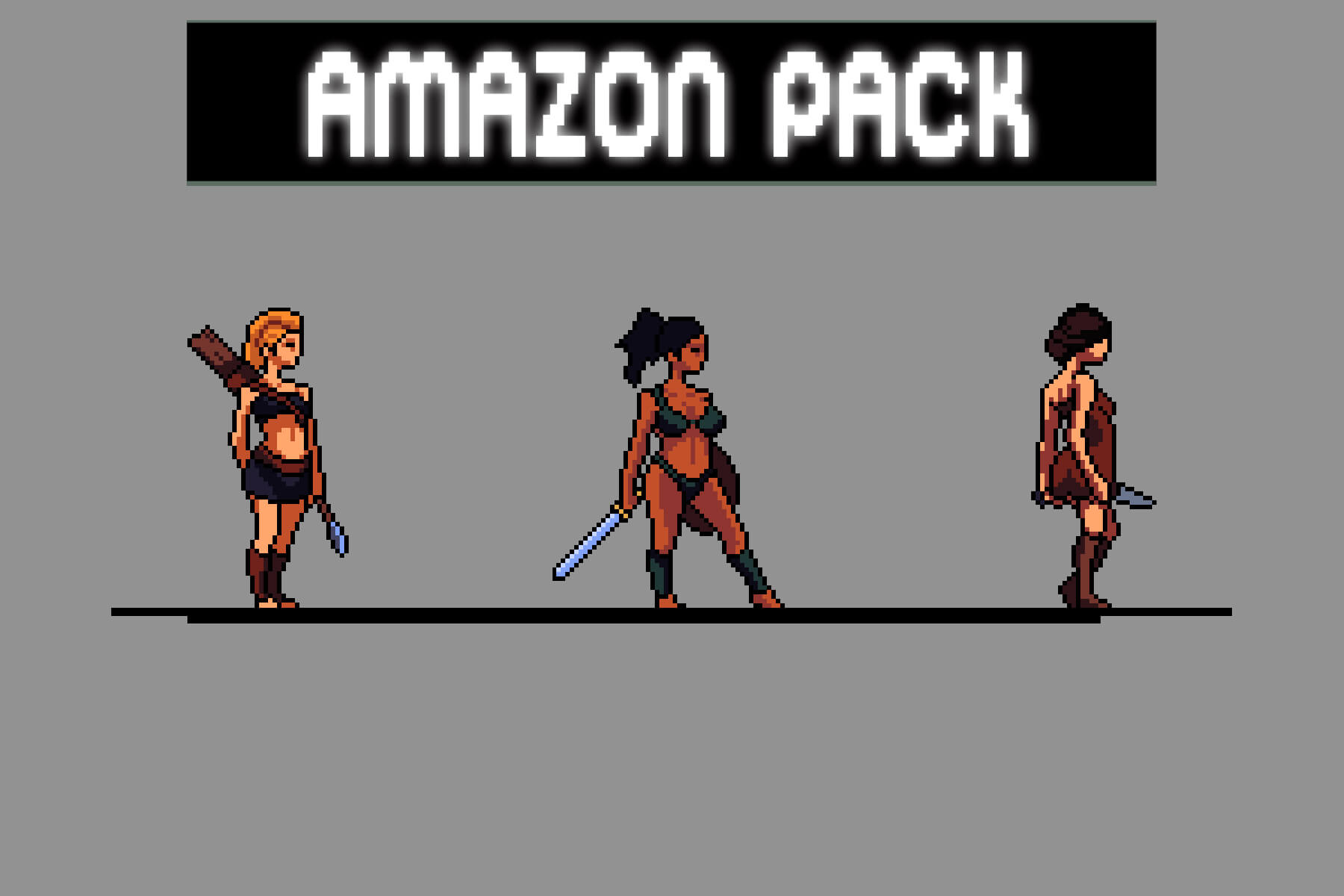
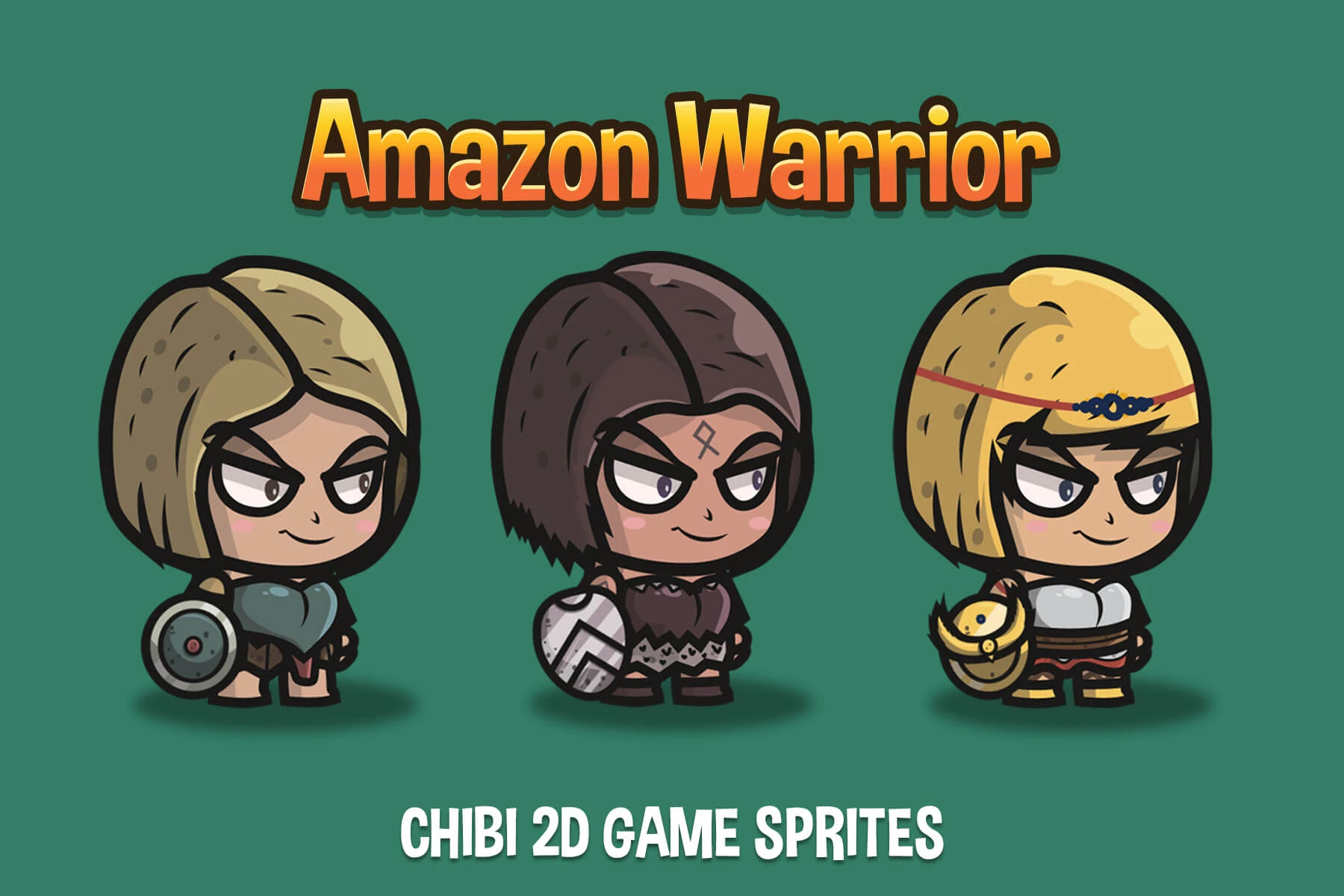
Pixel art remains the dominant style for retro-inspired indie hits. It allows for high-level detail within strict resolution limits, making it easier to animate characters manually without complex rigging. The trade-off is time-intensive hand-drawing for every frame. Vector art, by contrast, scales infinitely and simplifies animation through bone rigging, but often requires more powerful rendering pipelines to maintain crisp edges at all zoom levels.
Choosing the wrong style can stall production. If you underestimate the frame count needed for smooth pixel animation, your release date slips. If you overcomplicate a vector rig for a simple platformer, you waste time on unnecessary complexity. The best sprite packs for indie developers balance visual clarity with production efficiency, ensuring your characters look good without breaking your budget.
Premium character sprite packs that save time
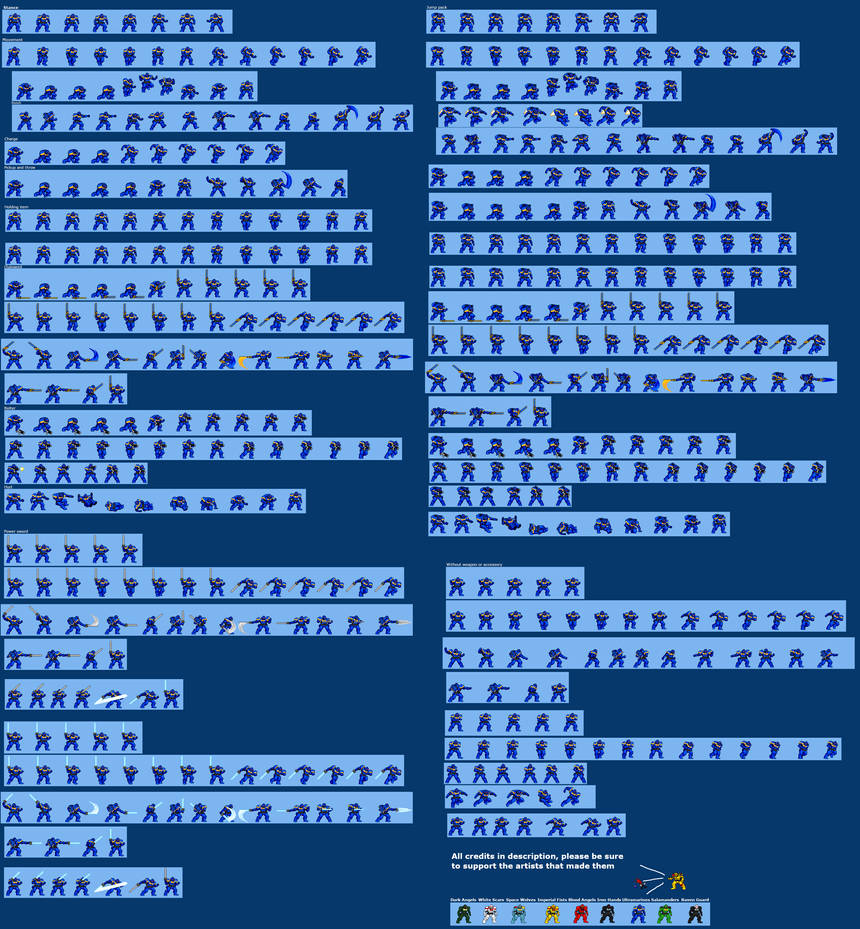
When you have a limited team, buying a solid character sprite pack is often the fastest way to get professional-looking animations into your game. The best premium packs don’t just give you static images; they provide full animation sequences—idle, walk, run, jump, and attack—that are already rigged for smooth transitions.
Finding the right pack means looking for variety and quality. You want packs that offer multiple characters with distinct designs so your world feels populated, not repetitive. The animation quality is the real differentiator. Look for packs where the movement feels natural, with good weight and follow-through, rather than stiff or repetitive loops.
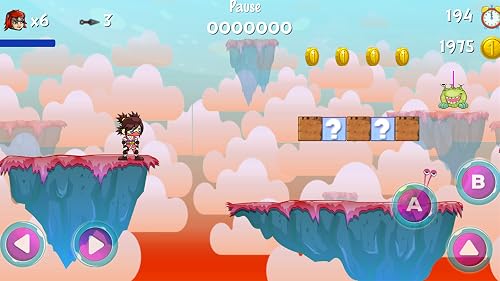
Below, we’ve selected some of the most highly regarded premium character sprite packs available. These selections are chosen for their versatility, animation depth, and ability to fit into a wide range of indie game genres, from platformers to RPGs.


As an Amazon Associate, we may earn from qualifying purchases.
Comparing animation frames and formats
When you’re integrating character sprites into Unity or Godot, the file format dictates how much work you have to do. Most packs land in one of three buckets: sprite sheets, individual PNGs, or animated GIFs. Knowing the difference saves you from fighting with your engine’s animation system later.
Sprite Sheets vs. Individual PNGs
A sprite sheet is a single image containing every frame of animation. This is the industry standard for performance. Engines like Unity use the atlas to batch draw calls, which keeps your game running smoothly on low-end devices. You’ll typically split these sheets using a tool like TexturePacker or Unity’s built-in sprite editor.
Individual PNGs are separate files for each frame. They’re easier to edit in Photoshop or Aseprite if you need to tweak a single frame without re-exporting the whole sheet. However, they can cause performance hits if you have hundreds of small files, as the engine has to load each one individually.
The GIF Trap
Avoid animated GIFs for serious game development. GIFs are limited to 256 colors and often use lossy compression that introduces artifacts in your character’s edges. They also lack transparency control. While they look fine in a browser, they rarely translate well into a game engine without significant manual cleanup.
Quick Comparison
The table below breaks down the technical trade-offs so you can pick the right pack for your workflow.
| Format | Frame Handling | Engine Fit | Typical License |
|---|---|---|---|
| Sprite Sheet | All frames in one image | Unity, Godot (Atlas) | CC0 or Commercial |
| Individual PNGs | One file per frame | Unity, Godot (Sequence) | CC0 or Commercial |
| Animated GIF | Single file, limited colors | Not Recommended | Varies, often restrictive |
What to Look For in a Pack
When browsing packs on itch.io or marketplaces, check the frame count and resolution. A 32x32 sprite sheet with 8 frames is standard for retro games. If you’re making a modern 2D platformer, look for larger sheets (64x64 or 128x128) with smoother interpolation. Always verify the license allows commercial use if you plan to sell your game.
As an Amazon Associate, we may earn from qualifying purchases.
Where to find free and paid assets
Best Character Sprite Packs for Indie Game Devs ( ) works best as a clear sequence: define the constraint, compare the realistic options, test the tradeoff, and choose the path with the fewest hidden costs. That order keeps the advice usable instead of decorative. After each step, pause long enough to check whether the recommendation still fits the reader's actual situation. If it depends on perfect timing, unusual access, or a best-case budget, include a simpler fallback.
The simplest way to use this section is to write down the real constraint first, compare each option against it, and choose the path that still works outside ideal conditions.
Common questions about sprite packs
Can I use these assets in a commercial game?
Most sprite packs on platforms like CraftPix or itch.io offer dual licensing. Free assets often require attribution (a credit in your game’s menu), while premium packs usually grant full commercial rights without strings attached. Always check the specific license file inside the download folder before selling your game.
Do I need to edit the sprite sheets?
Yes, almost always. A downloaded pack is raw material, not a finished game. You will need to import the sheets into your engine (Unity, Godot, etc.) and configure the animation frames. This means setting the correct pixel-perfect scale and defining the sequence for idle, run, and jump animations.
Are these packs compatible with my engine?
Sprite sheets are engine-agnostic, but implementation varies. Unity and Godot handle sprite atlases differently than older engines like GameMaker. Most modern packs provide PNG sequences or CSV atlas files that work out-of-the-box with these engines, but you may need to tweak import settings for pixel art crispness.
No comments yet. Be the first to share your thoughts!