
Spotlight on 2026 visual trends
The indie game scene in 2026 is moving away from the muddy, over-saturated textures of the early 2020s. Instead, we are seeing a sharp pivot toward clarity and intentional design. Modern indie icons prioritize crisp edges and high-contrast palettes that remain readable even at small sizes. This shift isn't just about aesthetics; it's about usability. When a player taps a UI element, the feedback needs to be instant and unambiguous.
Pixel art is still a staple, but the execution has evolved. "Pixel-perfect clarity" is the new standard, meaning artists are using higher resolution grids and anti-aliasing techniques to soften jagged edges without losing the retro charm. Think of it as a hybrid approach: the nostalgic feel of 16-bit sprites combined with the polish of modern vector design. This allows for smoother animations and better scalability across different screen sizes, from mobile phones to ultrawide monitors.
Color theory has also become more sophisticated. Vibrant, cohesive palettes are replacing the random rainbow of past trends. Successful packs now use limited color schemes that create mood and hierarchy. For example, a health icon might use a deep crimson that contrasts sharply against a cool blue background, ensuring the player notices it immediately. This cohesive approach extends to UI elements, where buttons and menus share a unified visual language that feels like part of the game world rather than an overlay.
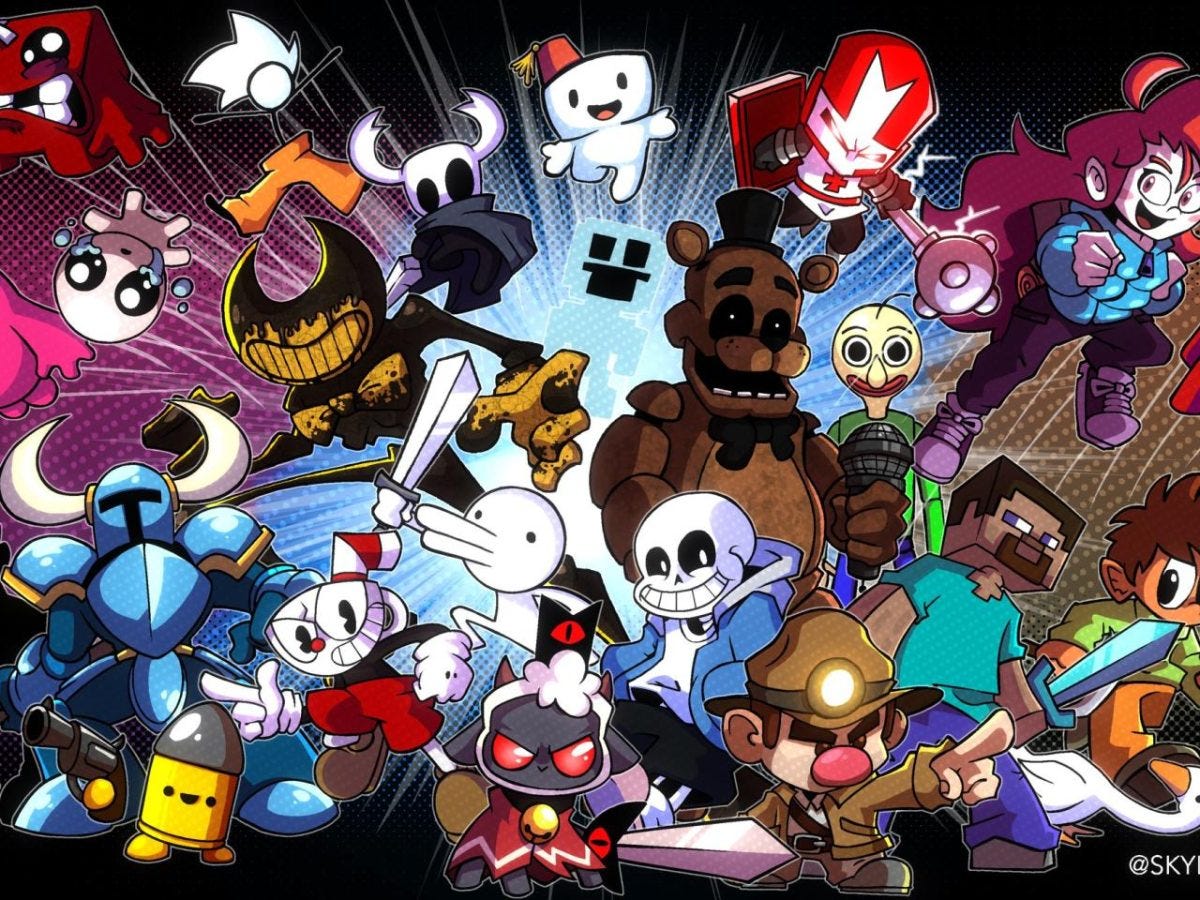
Top character sprite packs for heroes
Finding the right character sprites is about more than just picking a pretty style; it’s about finding assets that fit your game’s specific needs without requiring a team of animators. A good sprite pack gives you a full set of actions—idle, run, jump, attack—so your heroes feel alive from day one. For indie developers, this versatility is the difference between a static menu and a game that actually plays.
The market is flooded with options, but not all packs are created equal. Some are designed for simple puzzle games, while others offer the complex frame-by-frame animation required for a fast-paced platformer. When you’re building a world, you need characters that can handle the physical demands of your mechanics. Look for packs that offer multiple resolutions and clear layer separation if you plan to customize them later.
Here are a few standout options that balance quality, variety, and ease of use for indie projects.
Recommended character sprite packs
-
Kenney’s Roguelike Characters
A free, high-quality pack featuring 16 distinct characters with full animation sets. Perfect for roguelikes and dungeon crawlers, these sprites are crisp, consistent, and ready to drop into your engine. -
CraftPix’s Pixel Art Hero
A versatile bundle offering multiple character classes with detailed idle and combat animations. The pack includes transparent backgrounds and is optimized for various screen sizes, making it ideal for mobile and desktop indie games. -
OpenGameArt’s Fantasy Heroes
A community-driven collection of fantasy-themed sprites. While the quality varies by artist, this pack offers a wide range of archetypes like mages, warriors, and archers, often under permissive licenses for commercial use.
Essential UI and item icon downloads
Your game’s interface is the bridge between the player and the world. When health bars, inventory slots, and button icons clash in style, that bridge feels shaky. Cohesive UI icon sets anchor the experience, making complex systems feel intuitive and polished.
Premium sprite packs solve this by providing matched assets in a single theme. Instead of hunting for a sword icon that matches your potion bottle, you get a unified library. This consistency matters for both fantasy RPGs and casual mobile games, ensuring every pixel serves the same visual language.
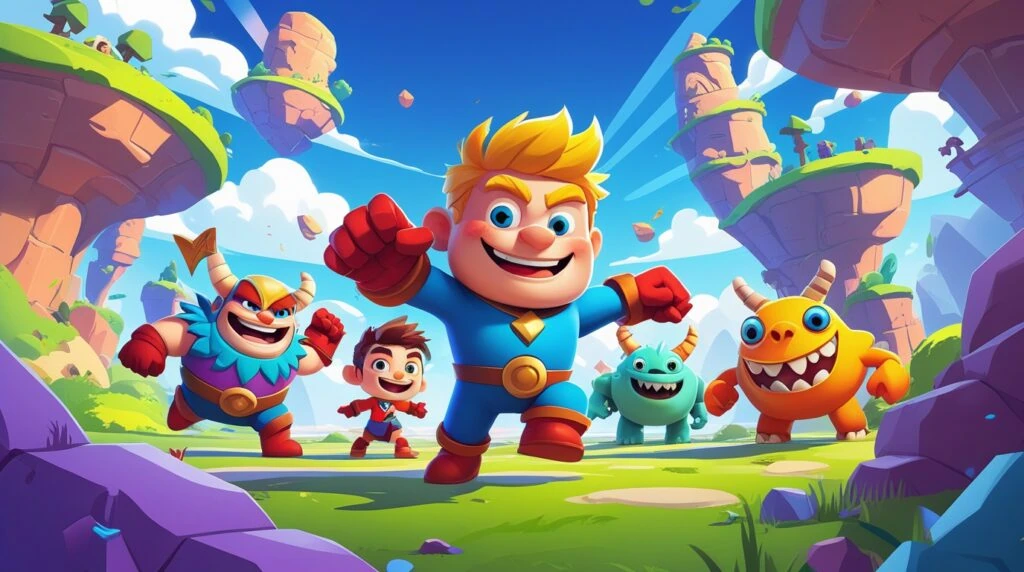
To find these sets, start with dedicated icon repositories. Platforms like Flaticon and Icons8 offer massive libraries with specific game-themed categories. You can filter by style—pixel art, flat design, or hand-drawn—to match your game’s aesthetic. Look for packs that include variations for hover, active, and disabled states to save development time.
When downloading, check the license terms carefully. Most premium packs require attribution or a one-time fee for commercial use. Prioritize vendors that provide SVG and PNG exports, allowing you to scale icons for different resolutions without losing quality. A well-chosen icon set pays for itself by reducing asset creation time and increasing visual professionalism.
Where to find free and premium assets
You don’t need a massive budget to give your game a polished look. The asset library is split into two distinct worlds: the open-source commons where you can grab resources instantly, and the curated marketplaces where you pay for consistency and unique style. Knowing where to look saves hours of hunting and ensures your icons don’t clash with your game’s art direction.
The free resource commons
For indie developers on a tight budget, the free tier is surprisingly robust. Game-icons.net is the gold standard for this category. It hosts over 4,000 free SVG and PNG icons that are specifically designed for game interfaces. The library is organized by intuitive categories, making it easy to find a sword, a potion, or a UI button without digging through generic stock photo sites. The icons are consistent in style, which is critical when you’re building a cohesive interface.
itch.io is another essential stop. While it’s known for full game assets, its free tag for icons is a treasure trove of pixel art and stylized vectors. You’ll find everything from retro RPG items to modern mobile UI elements. The community-driven nature means you often get bonus files like source PSDs or layered PNGs, which are helpful if you need to tweak colors to match your palette.
Premium marketplaces for unique style
When free assets feel too generic or you need a specific aesthetic that isn’t available elsewhere, premium marketplaces deliver. These platforms offer bundles that guarantee visual consistency across dozens of icons. Buying a single pack from a top-rated artist on Unity Asset Store or Unreal Engine Marketplace is often cheaper than hiring a designer for custom work. You get high-resolution files, multiple color variants, and often documentation on how to integrate them into your engine.
For a more curated, editorial approach, consider Creative Market or Gumroad. Independent artists here often release limited-time packs with highly specific themes, like "cyberpunk HUD elements" or "fantasy tavern signs." These packs stand out because they aren’t designed for mass appeal; they’re designed for developers who want their game to have a distinct visual identity. The trade-off is that you’ll need to vet the artist’s portfolio to ensure the style matches your vision.


As an Amazon Associate, we may earn from qualifying purchases.
Choosing the right format and license
Picking the wrong file type or ignoring the fine print can break your game or get you sued. Before you download that premium character sprite pack, check two things: the technical format and the legal license.
PNG vs. SVG: Resolution matters
Most indie games rely on PNG files for character sprites and UI icons because they support transparency and scale cleanly at specific pixel densities. If your game is pixel-art based, stick to PNGs at the exact resolution you need (e.g., 32x32 or 64x64). Scaling them up later will make them blurry.
SVG (Scalable Vector Graphics) is better for UI icons that need to look crisp on any screen size, from a phone to a 4K monitor. However, SVGs don’t work well for complex pixel art or animated sprites. If you’re making a retro-style game, PNG is your safe bet. For modern, clean interfaces, SVG gives you flexibility without file bloat.
Tip: Always verify commercial use rights before publishing. Many "free" packs require attribution or restrict use in monetized projects.
License safety: Read the fine print
Not all "free" assets are free to use in a commercial game. Common license types include:
- CC0 (Public Domain): Do whatever you want. No attribution needed.
- CC-BY (Attribution): Free to use, but you must credit the creator.
- Royalty-Free: You pay once (or download for free) and can use it in multiple projects, but you can’t resell the asset itself.
- Editorial Use Only: Not allowed in commercial games.
Always check the license file included in the pack. If it’s missing, assume you can’t use it commercially. Reputable sources like Flaticon or Game-icons.net clearly state their licensing terms. When in doubt, contact the creator. It’s better to ask now than face a takedown notice later.
Frequently asked questions about game icons
Where can I download premium character sprite packs and game icons?
Several reputable platforms host high-quality assets for indie developers. Flaticon offers over 163,000 gaming icons in SVG and PNG formats, while Game-icons.net provides a curated collection of free SVG and PNG icons that are updated weekly. For more stylized or premium packs, IconArchive and DeviantArt are excellent resources for browsing community-created designs.
What file formats should I use for game icons?
PNG is the standard for pixel-perfect sprites and UI icons because it supports transparency without compression artifacts. SVG is ideal for scalable vector graphics that need to resize cleanly across different resolutions. If you are building a web-based game or need animated icons, GIF or Lottie JSON files are also widely supported options.
Are free game icons safe to use in commercial projects?
Always check the license before downloading. Many sites like Game-icons.net offer icons under Creative Commons licenses that require attribution, while others on Flaticon may have different terms for free vs. premium users. Icons8 and IconArchive often mix free and premium content, so verify the specific license for each icon to ensure you can use it commercially without legal issues.
No comments yet. Be the first to share your thoughts!