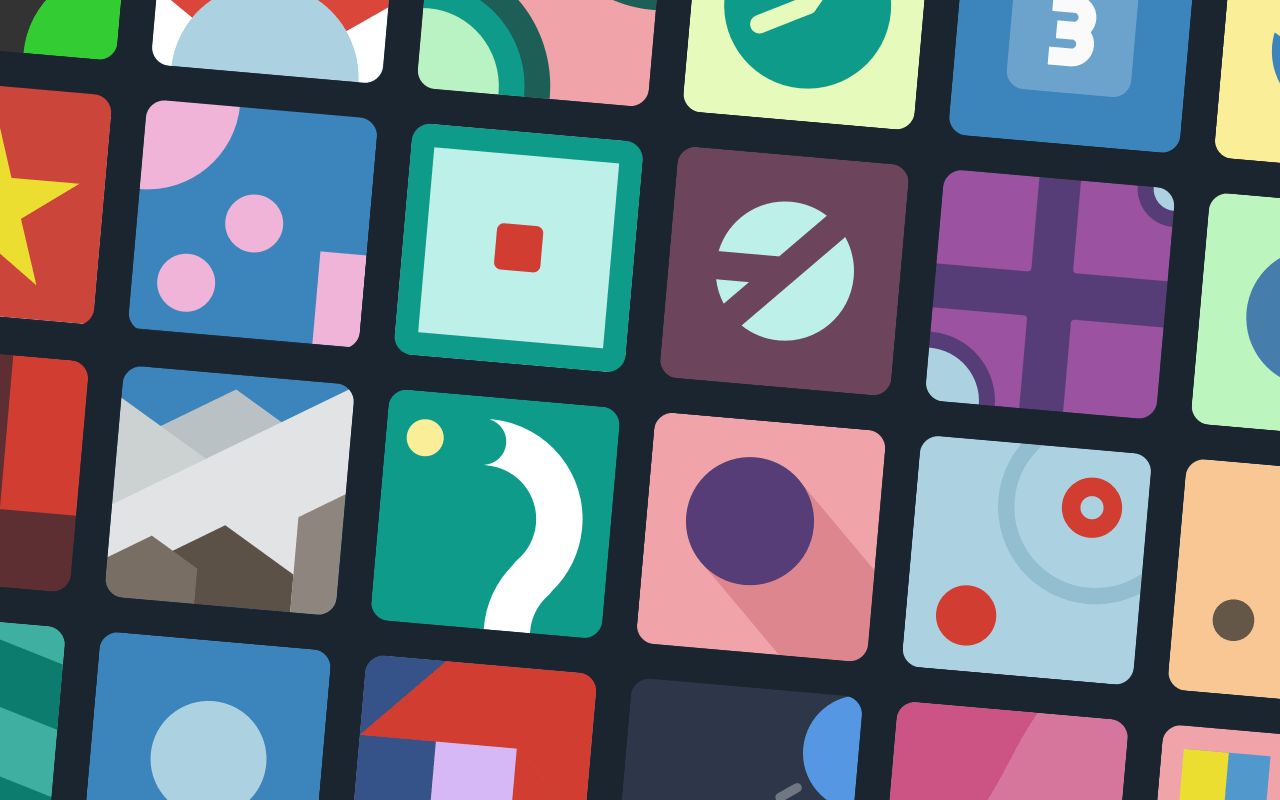

Why icon style matters for your game
Your icons are the first thing players see in a store listing or on a desktop. They set the expectation for the entire experience. If the style clashes with your gameplay, players might click away, assuming the game doesn't match their taste.
Most indie developers choose between pixel art, vector graphics, or 3D renders. Pixel art works best for retro-style platformers or roguelikes. It signals nostalgia and tight, grid-based mechanics. Vector icons offer clean, scalable lines that suit puzzle games or casual mobile titles. They look sharp at any size, from a tiny app drawer icon to a large promotional banner. 3D icons add depth and realism, which is ideal for simulation games or immersive RPGs.
Think of your icon as a miniature trailer for your game. It shouldn't just look pretty; it should communicate the genre instantly.
The right choice depends on your game's core loop. A mismatched style can confuse potential players. For example, a hyper-realistic 3D icon on a whimsical 2D puzzle game creates cognitive dissonance. Instead, align your visual assets with the mechanics you are offering.
Once you have locked in your style, you can begin searching for resources. Whether you are hiring an artist or using a template, consistency is key. Your store icon, social media avatar, and in-game assets should all feel like part of the same family. This cohesion builds trust and makes your brand more recognizable in a crowded market.
Top free game icon resources
Finding a game icon download that fits your aesthetic without breaking the bank is a common challenge for indie developers. While premium asset packs offer convenience, several high-quality repositories provide thousands of free assets daily. These platforms vary in style, licensing, and file formats, allowing you to mix and match to build a unique visual identity.
Flaticon and Icons8: Volume and Variety
Flaticon hosts over 163,000 gaming-related icons, making it one of the largest repositories for vector-based assets. Its strength lies in volume and format flexibility, offering SVG, PNG, PSD, and EPS files. This allows for easy scaling and editing within design software. Icons8 complements this with a focus on consistent UI design styles. Their gaming section includes over 50 distinct visual themes, from flat minimalism to 3D realism, ensuring your icons match your game’s specific art direction. Both platforms require attribution for free users, so check the license details before integrating assets into your build.
Game-icons.net and itch.io: Niche and Community-Driven
For developers seeking a more cohesive or retro aesthetic, Game-icons.net offers a curated collection of over 4,180 free SVG and PNG icons. The library is organized by intuitive categories and updated weekly, focusing on clarity and readability rather than sheer volume. This makes it ideal for interface elements like health bars, inventory slots, or action buttons. Meanwhile, itch.io serves as a hub for community-created assets. Searching for "free icons" there often yields bundled packs or unique artistic styles not found on larger corporate platforms. These assets often come with permissive licenses, such as Creative Commons, which can simplify attribution requirements.
Comparing Free Sources
Choosing the right source depends on your technical needs and artistic goals. The table below compares the primary free resources by format support, license type, and volume to help you decide where to start your search.
| Source | Formats | License | Volume |
|---|---|---|---|
| Flaticon | SVG, PNG, PSD, EPS | Attribution Required | 163,000+ |
| Icons8 | PNG, SVG, GIF | Attribution Required | 50+ Styles |
| Game-icons.net | SVG, PNG | CC0 / Attribution | 4,180+ |
| itch.io | PNG, SVG, PSD | Varies by Creator | Community Driven |
Start with Game-icons.net if you need clean, readable UI elements quickly. Use Flaticon or Icons8 if you require high-volume variety and specific design styles. For unique, hand-crafted assets, browse itch.io to find hidden gems from other indie creators.
Best premium sprite packs for polish
When you move beyond free assets, the goal shifts from "finding something that works" to "buying a system that holds together." Premium sprite packs offer consistency in art style, lighting, and perspective that is nearly impossible to achieve when mixing and matching free resources. For a professional indie release, this visual cohesion is what separates a hobby project from a polished product.
Investing in high-quality icon packs and sprite sheets pays off in two ways: production speed and commercial safety. You save hours of tweaking individual assets, and you gain peace of mind knowing the creator has handled licensing and technical optimization. Most premium packs include multiple resolutions, transparent backgrounds, and organized file structures ready for your engine.
Top-rated asset bundles on Amazon
If you are looking for tangible references or bundled digital assets, Amazon often hosts curated collections from established indie creators. These bundles can provide a solid foundation for your game's visual identity.
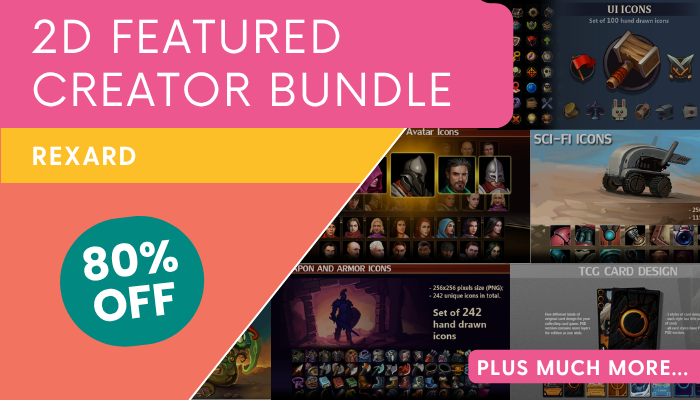
As an Amazon Associate, we may earn from qualifying purchases.
Why paid packs save time
The hidden cost of free assets is often the time spent fixing inconsistencies. A premium pack ensures that every sword, potion, or UI button shares the same pixel density, color palette, and stylistic quirks. This consistency reduces the cognitive load on your players, making your game feel more intuitive and professional from the first click.
Choosing the right file format
Picking the right file format is one of the most practical decisions you’ll make when gathering resources. Your choice affects how crisp your UI looks on high-density screens, how fast your game loads, and how easy it is to tweak colors later without redrawing every asset.
SVG: Best for scalability and clean code
Scalable Vector Graphics (SVG) are defined by XML code rather than pixels. This means an icon can be resized to any dimension without losing sharpness. For indie developers building web-based games or interfaces that need to adapt to various screen sizes, SVG is often the superior choice. You can change colors with CSS, keeping your codebase lightweight and easy to maintain. Most modern icon libraries, like Game-icons.net, prioritize SVG files for this reason.
PNG: Best for complex shading and mobile compatibility
Portable Network Graphics (PNG) use a raster format, meaning they are made of a fixed grid of pixels. This is ideal for icons with complex gradients, shadows, or hand-painted textures that don’t translate well into vector paths. PNGs are universally supported across all mobile operating systems and game engines. If your game relies on detailed, artistic assets that need to look identical on every device, PNG remains the reliable standard.
File size and animation considerations
File size directly impacts your game’s load time, especially on mobile networks. While SVGs are often smaller for simple shapes, they can bloat if they contain excessive path data. Always compress your assets before bundling them. If you need animation, consider Lottie files or sprite sheets rather than trying to animate raw SVGs or PNGs directly, which can be resource-intensive. For static UI elements, sticking to optimized PNGs or simple SVGs keeps your performance smooth.
Common licensing mistakes to avoid
Check License FirstBefore you add assets to your project, treat the license like a map. Ignoring it is the fastest way to hit a copyright trap. Many free assets come with strings attached that only become obvious when you try to monetize your game.
Attribution is the most common hurdle. Some platforms require you to credit the creator in your game’s credits or store description. If you skip this, you risk a takedown notice. Always read the specific terms for each asset, even if it’s labeled "free." Commercial use restrictions are another frequent landmine. Some licenses allow personal projects but forbid selling the game or using the icon in an ad campaign.
When selecting assets, check if the license allows commercial use. If you need to sell your game, ensure the license covers it. When in doubt, contact the creator or choose a platform with a clear, permissive license like CC0. This simple step protects your indie studio from legal headaches later.
No comments yet. Be the first to share your thoughts!