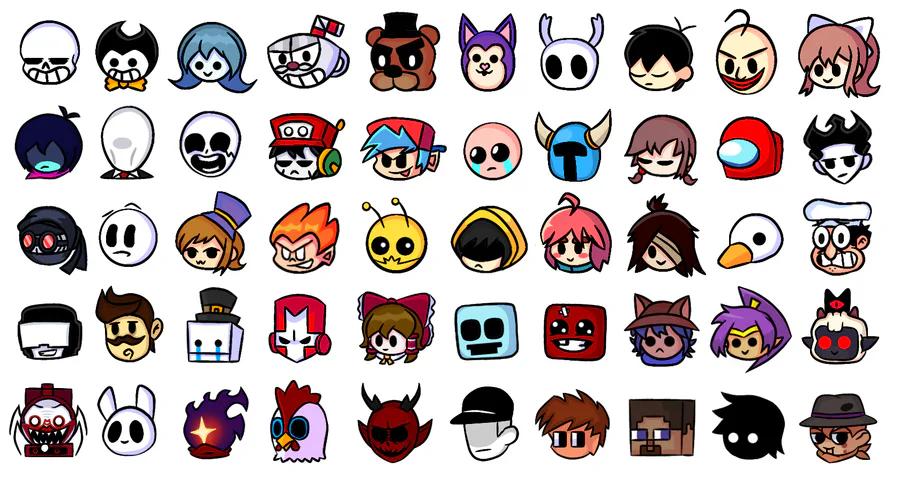

Why quality icons matter
In indie game development, visual consistency is often the difference between a prototype and a polished product. Players process iconography instantly; a set of mismatched assets signals amateur work, while a cohesive library builds immersion before the first level loads. Quality indie game icons act as the visual language of your interface, guiding players through inventory systems, skill trees, and menu navigation without cluttering the screen.
Investing in premium sprite packs or curated icon sets saves countless hours of asset creation. Instead of drawing every potion bottle or health pack from scratch, developers can focus on gameplay mechanics and narrative. These packs provide a unified art style, ensuring that a sword icon matches the aesthetic of a shield or a quest marker. This consistency reduces cognitive load for the player, making the game feel intuitive and professional.
While free resources like Game-icons.net offer a starting point, they often lack the thematic cohesion required for a standalone commercial title. Premium packs provide specialized styles that match specific genres, from pixel-art retro aesthetics to modern vector designs. This attention to detail allows indie developers to compete with larger studios in visual presentation, giving their games a distinct identity in a crowded marketplace.
Top free icon resources
Finding high-quality assets without breaking the bank is the first hurdle for any indie developer. These three platforms offer the highest volume of free, ready-to-use icons, each with distinct strengths in format support and licensing clarity.
Game-icons.net
Game-icons.net is the gold standard for functional, monochrome UI icons. It hosts over 4,000 SVG and PNG assets that are specifically designed for clarity at small sizes. The collection is organized by intuitive categories like "combat," "magic," and "resources," making it easy to find specific mechanics. All icons are public domain, meaning you can use them in commercial projects without attribution. The consistent visual style ensures your UI remains cohesive even if you mix icons from different packs.
Icons8
Icons8 provides a massive library of indie game icons available in 50+ distinct UI design styles. If you need a flat, isometric, or 3D look, this platform lets you switch styles instantly. It supports PNG, SVG, and GIF formats, including animated icons for dynamic feedback like health bars or notifications. While the free tier allows downloads, it requires attribution unless you purchase a license. This is ideal for projects where visual variety is more important than strict budget constraints.
itch.io
itch.io serves as a hub for community-created asset packs. Searching the "Icons" tag reveals hundreds of free bundles from independent artists. These packs often follow specific themes, such as retro RPGs or sci-fi interfaces, offering a more stylized alternative to generic UI sets. Licensing varies by creator, so always check the individual asset page for permission terms. This resource is best for developers looking for unique, branded visuals rather than standard interface elements.
| Source | Formats | License | Volume |
|---|---|---|---|
| Game-icons.net | SVG, PNG | Public Domain | 4,000+ |
| Icons8 | PNG, SVG, GIF | Free w/ Attribution | 500+ |
| itch.io | PNG, SVG, PSD | Varies by Creator | 100+ Packs |
Best premium sprite packs
Paid sprite packs save development time by providing production-ready assets that are consistent in style and resolution. Unlike free community packs, premium collections are typically vetted for commercial licensing, ensuring you can use them in published projects without legal ambiguity. These packs often include variations—such as different poses, expressions, or directional facing—that are essential for smooth animation sequences.
The following selections represent high-quality character sprite packs available for purchase. They are chosen for their versatility across common indie genres, from platformers to top-down RPGs.
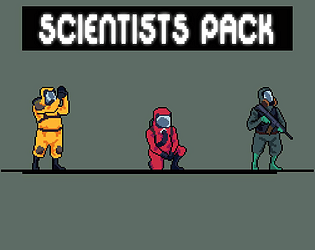
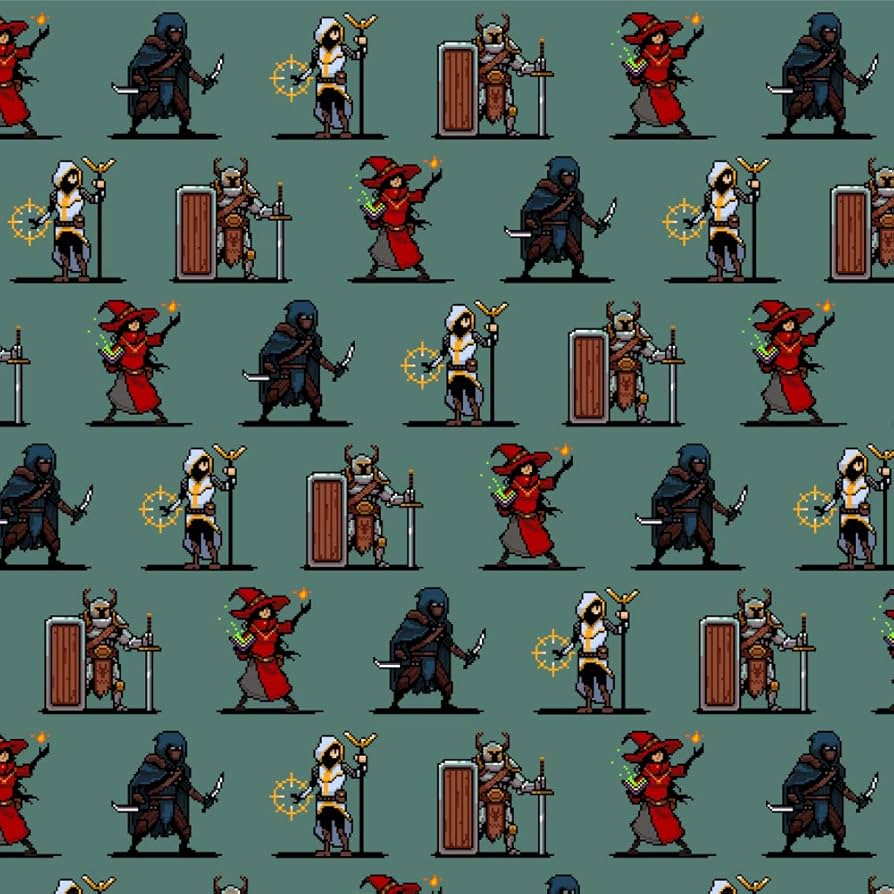
As an Amazon Associate, we may earn from qualifying purchases.
Choosing the right format
Selecting the correct file format is the first technical decision you make when building an indie game icon set. The choice dictates how your assets scale, animate, and integrate with your engine. While modern engines handle various formats well, understanding the strengths of SVG, PNG, and GIF ensures your icons remain crisp and performant.
SVG is the gold standard for vector-based icon sets. Because SVGs are defined by mathematical paths rather than pixels, they scale infinitely without losing quality. This makes them ideal for UI elements that must render clearly on everything from a 1080p monitor to a 4K display. Platforms like Game-icons.net offer thousands of free SVG icons, allowing you to recolor and resize assets on the fly without needing multiple resolution variants. However, SVGs can be heavier in file size for complex illustrations and may not support all animation types natively in older engines.
PNG remains the workhorse for raster graphics. It supports transparency and is universally compatible with every game engine and platform. Use PNGs when you need precise pixel-perfect control over your art style, such as in retro-style indie games. While PNGs are static, they are lightweight and fast to load. The trade-off is that they do not scale; a 32x32 pixel icon will look blurry if stretched to 64x64. For best results, provide multiple resolution variants (e.g., 1x, 2x, 3x) to support high-DPI screens.
Animated GIFs are best reserved for simple, looping animations like spinning coins or flickering torches. They are easy to implement and require no special animation logic in your code. However, GIFs are limited to 256 colors and often result in larger file sizes compared to modern alternatives like APNG or sprite sheets. For complex animations, consider using sprite sheets or Lottie files instead, but for simple, low-fidelity effects, GIFs offer a quick and effective solution.
Where to buy game assets
Finding premium indie game icons and sprite packs requires looking beyond the usual free repositories. While platforms like itch.io and The Noun Project offer extensive free libraries, dedicated asset stores provide higher consistency, better licensing clarity, and professional-grade polish that free assets often lack. These marketplaces curate collections specifically for game development, ensuring that icons share a unified visual language and technical standard.
When selecting a marketplace, prioritize vendors who offer comprehensive asset packs rather than single icons. This approach saves time on style matching and ensures your UI elements feel cohesive. For indie developers, the most reliable sources are established digital marketplaces that support direct creator uploads, allowing you to find niche styles that generic stock sites miss.
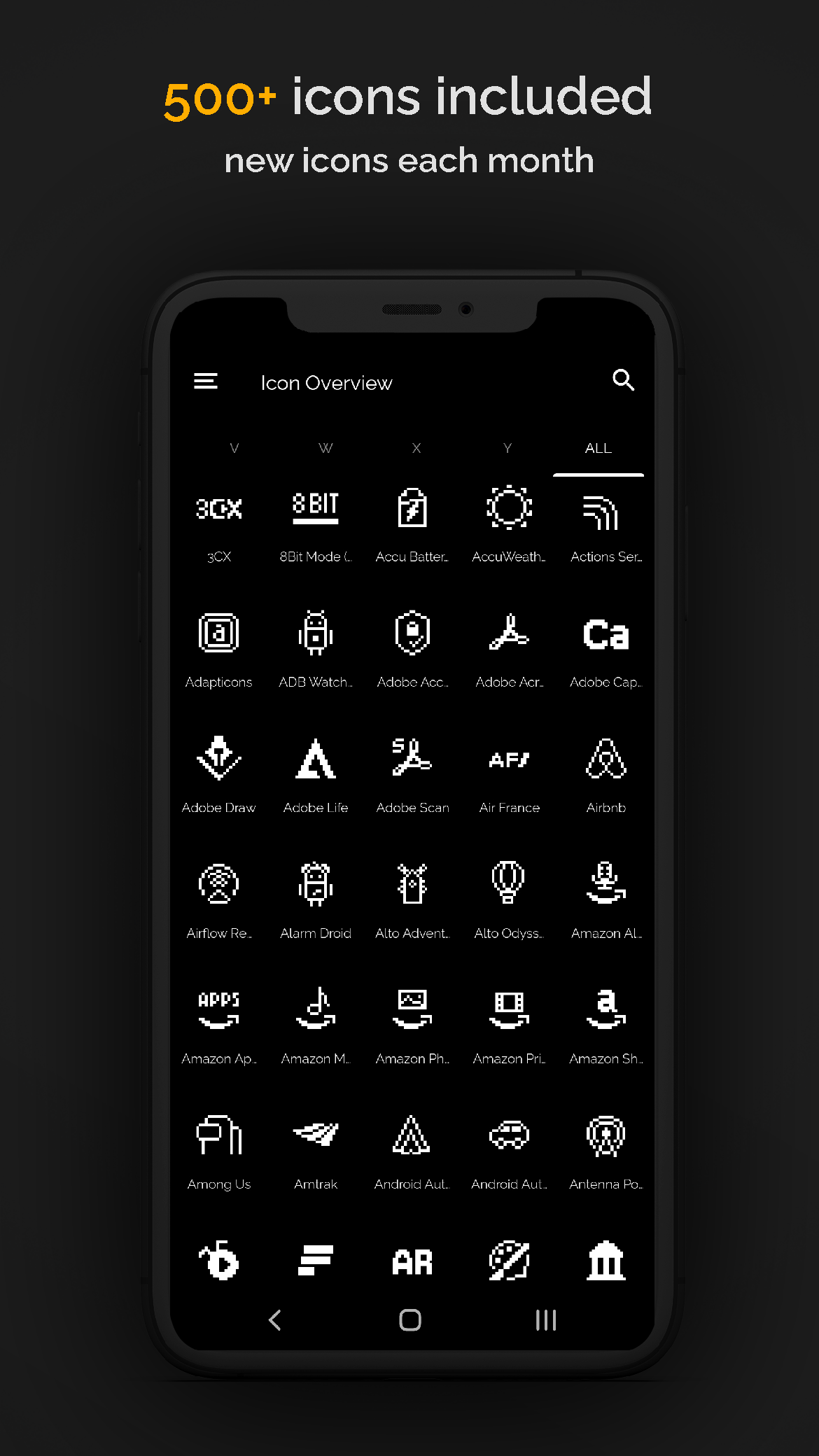
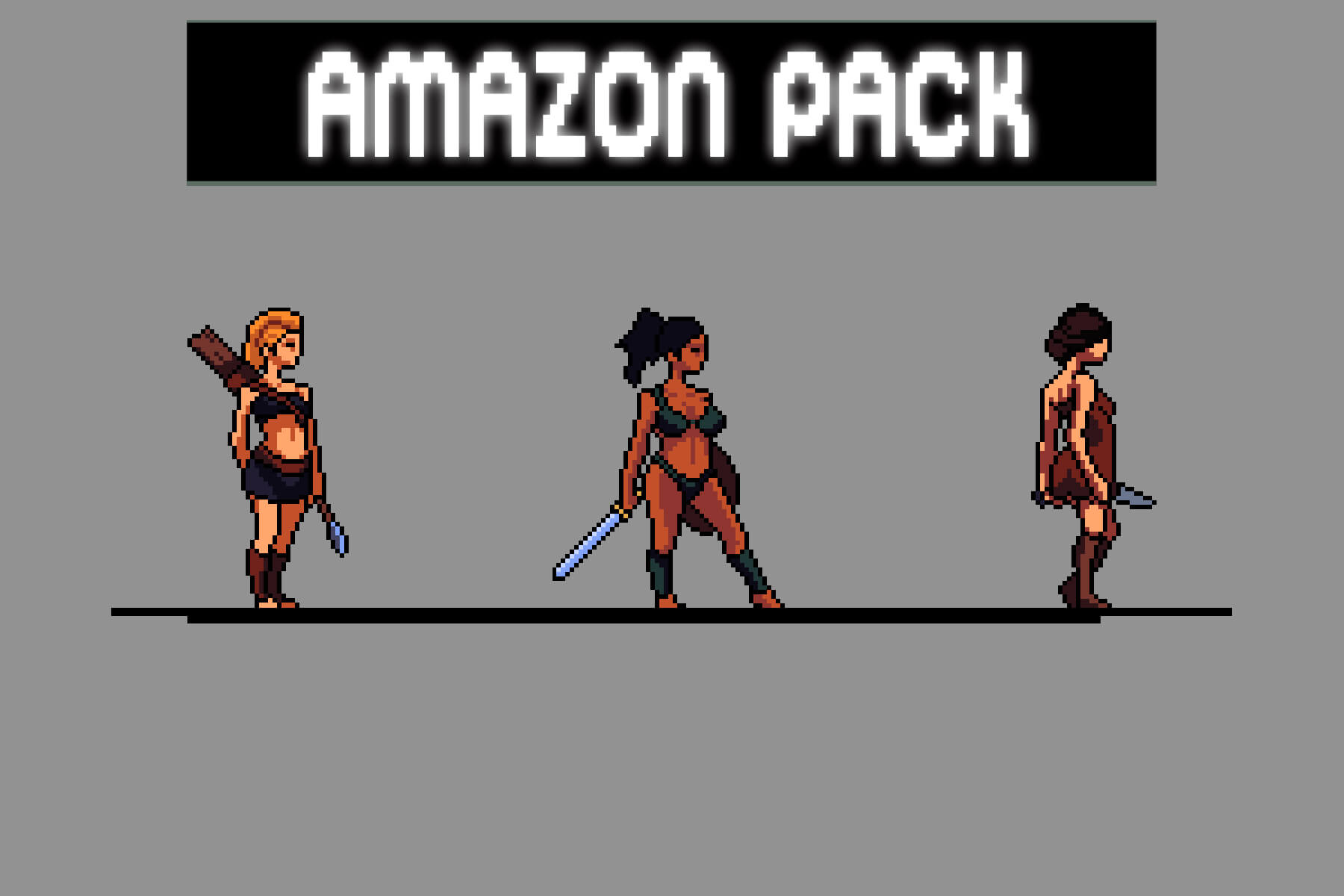
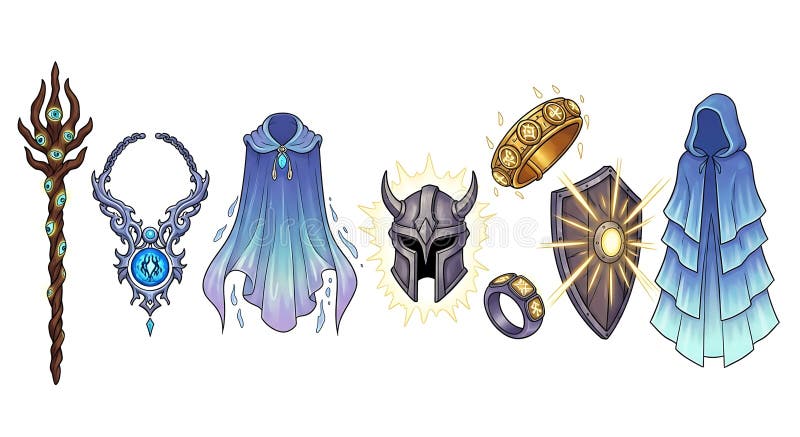
The following Amazon widgets highlight popular indie game icon packs and development resources available for immediate purchase. These selections represent trusted options for acquiring high-quality visual assets without the need for complex licensing negotiations.

As an Amazon Associate, we may earn from qualifying purchases.
Common icon mistakes
Even the best indie game icons can undermine a polished project if they don't hold up under scrutiny. The most frequent error is ignoring scalability. A pixel-perfect icon at 32x32 often becomes a muddy blob when scaled to 64x64 or 128x128. Always test your assets at multiple sizes before integrating them into your UI. If an icon relies on thin lines or subtle gradients that disappear at smaller resolutions, simplify the design.
Inconsistent art styles are another major pitfall. Mixing hand-drawn sketch icons with rigid vector shapes creates visual dissonance that distracts players. Whether you choose the clean, geometric approach of Game-icons.net or the varied palettes found on itch.io, stick to one cohesive style guide. This consistency helps players intuitively understand your game's interface without cognitive friction.
Finally, avoid overcomplicating your iconography. A cluttered icon with too many details loses its meaning when viewed in a corner of the screen. Prioritize clear silhouettes and high contrast. If a player has to squint to identify a health potion or a quest marker, the icon has failed its primary function. Simple, bold shapes communicate faster than intricate illustrations.
No comments yet. Be the first to share your thoughts!