
The reality of asset creation
Drawing every frame for a protagonist and a dozen enemies is a massive grind. Most indie developers I know don't have the six months needed to hand-draw every walk cycle from scratch. Using a pre-made pack lets you get a prototype running in an afternoon so you can actually test if your game is fun before committing to the art style.
The quality of your sprites directly impacts the player experience. Poorly designed or inconsistent sprites can break immersion and detract from even the most compelling gameplay. Conversely, high-quality sprites can elevate a game’s aesthetic and create a more polished, professional feel. This is especially true in genres where visual style is paramount, like RPGs or platformers.
We’re seeing a lot of diversity in popular art styles. Pixel art remains a staple, offering a retro aesthetic and relatively low production costs. 2.5D, which blends 2D sprites with 3D environments, is also gaining traction. Vector-based sprites provide scalability and clean lines. Regardless of the chosen style, consistency is crucial. A cohesive art style unifies the game’s visuals and enhances the overall presentation. A mismatched sprite stands out—and not in a good way.
What to look for in a pack
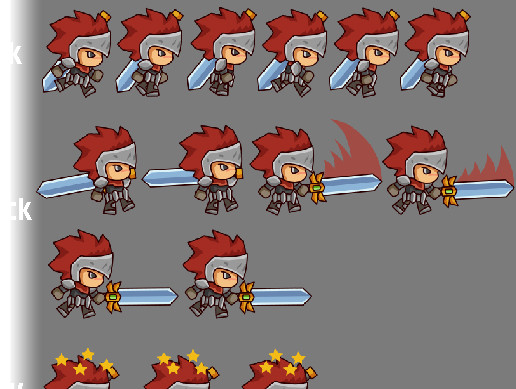
Check the frame count before buying. A four-frame walk cycle looks jittery in anything other than a low-fi retro game. I look for at least 8 frames for movement. You also need the basics: idle, walk, run, jump, and attack. If the pack is missing a 'hurt' or 'death' frame, you'll end up stuck trying to mimic the artist's style later to fill the gaps.
Variations are also important. Does the pack offer different color palettes, outfits, or accessories? This allows for character customization and avoids visual repetition. Resolution is another factor. Higher resolutions offer more detail but can impact performance, especially on mobile devices. Consider your target platform and optimize accordingly. Common file formats include PNG and PSD; PSD files are useful if you plan to modify the sprites.
Finally, pay close attention to the licensing terms. We'll cover this in detail later, but understanding what you’re allowed to do with the sprites is critical. Also, consider if the sprites are 'rigged' – meaning they're structured in a way that makes them easily animatable within a game engine. Properly rigged sprites save significant time and effort during integration.
- Core frames (idle, walk, run, jump, attack, hurt)
- Variations (colors, outfits)
- Resolution
- File Format (PNG, PSD)
- Licensing Terms
- Rigged Sprites
Where to find the best assets
Several platforms offer a wide selection of character sprite packs. itch.io is a popular choice, particularly for indie developers. It boasts a massive library of assets, including a significant number of free options. However, the quality can vary widely, so it's essential to carefully review each pack before downloading. The platform also has a strong community and a focus on supporting independent creators.
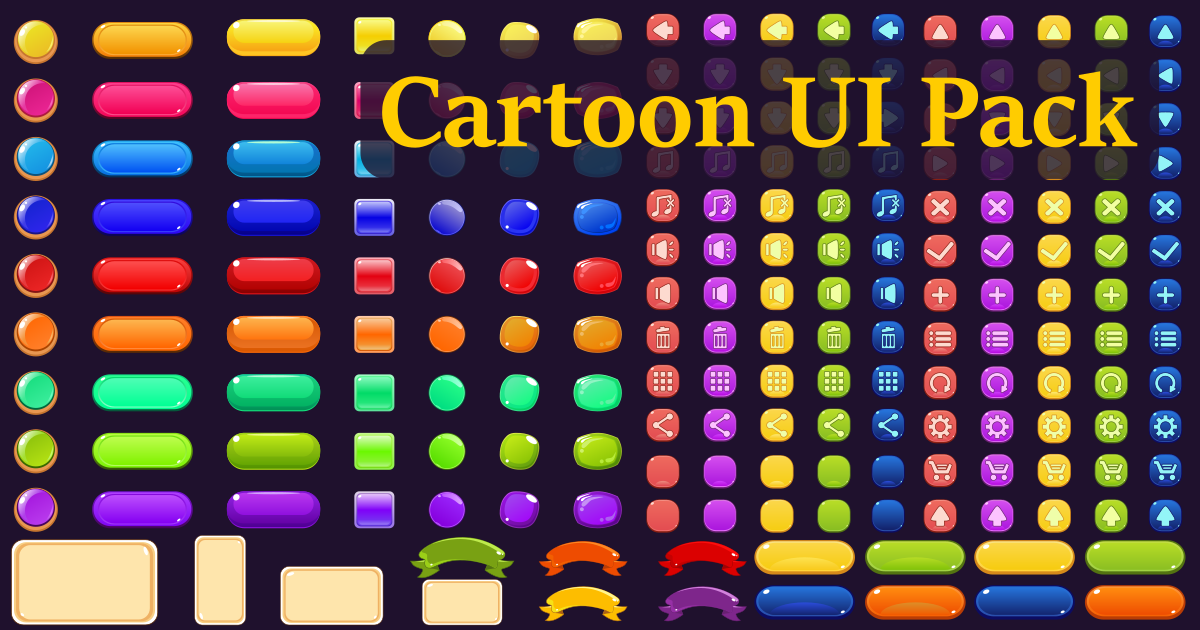
CraftPix.net is another excellent resource. They specialize in high-quality 2D game assets, including sprites, tilesets, and GUI elements. Their assets generally have a more professional polish than those found on itch.io, but they typically come with a price tag. CraftPix focuses on providing assets that are immediately usable in game development projects.
GameDev Studio offers a slightly different approach. They provide tools and resources for creating and editing 2D game assets, in addition to offering pre-made sprite packs. Their GDS Editor allows developers to modify PNGs directly, which can be a valuable feature. They also emphasize a consistent art style across their asset library. It’s a solid option if you want more control over customization.
When browsing these platforms, always check the reviews and ratings. Pay attention to what other developers are saying about the quality of the assets and the responsiveness of the creator. Don't be afraid to ask questions if you're unsure about anything. A reputable platform will have a clear system for handling disputes and ensuring fair licensing.
Licensing without the headache
Understanding licensing is arguably the most important part of using sprite packs. Different licenses grant different rights and impose different restrictions. CC0 (Creative Commons Zero) is the most permissive license, essentially placing the assets into the public domain. You can use CC0 assets for any purpose, commercial or non-commercial, without attribution.
Creative Commons licenses come in various flavors, each with its own set of requirements. Some require attribution to the original artist, while others allow for modifications but prohibit commercial use. Always carefully read the specific terms of the license before using an asset. Commercial licenses typically grant you full rights to use the asset in your project, but they often come with a fee.
Using assets with an unclear or restrictive license can lead to legal trouble. It’s crucial to ensure that you have the right to use the assets in your project, especially if you plan to sell your game. If you’re ever in doubt, it’s best to err on the side of caution and contact the artist directly. Proper attribution is also essential when required by the license. Failing to credit the artist can be a breach of contract.
- CC0: Public domain, no attribution required.
- Creative Commons: Various licenses with different requirements.
- Commercial License: Grants full rights for a fee.
Art Styles & Their Sprite Pack Needs
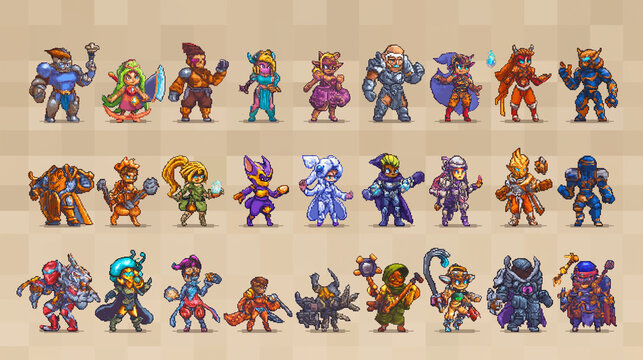
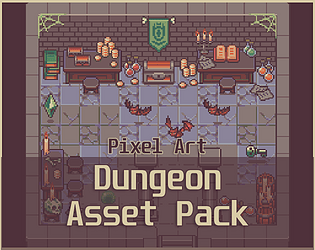
The ideal sprite pack will vary depending on your game’s art style. Pixel art, still incredibly popular, requires packs that pay close attention to dithering and color palettes. Look for packs that offer a limited color palette and consistent pixel density. Poorly executed dithering can make pixel art look muddy and unclear. The aesthetic relies on intentional limitations.
2.5D sprites, which combine 2D sprites with 3D environments, often benefit from higher resolution assets and more detailed animations. The goal is to create a sense of depth and realism. Sprite packs for 2.5D games should include multiple layers and potentially parallax scrolling elements. These packs frequently include normal maps for lighting effects.
Vector-based sprites offer scalability and clean lines, making them ideal for games with a minimalist or stylized aesthetic. Vector sprites are defined by mathematical equations rather than pixels, so they can be scaled to any size without losing quality. However, they can be more complex to animate than pixel art or raster-based sprites. You’ll want to ensure compatibility with your engine’s vector graphics support.
Integration & Workflow Tips
Once you’ve acquired your sprite packs, integrating them into your game engine is the next step. Popular engines like Unity, Unreal Engine, and Godot all have specific workflows for importing and managing sprites. Unity's Sprite Editor allows you to slice spritesheets and define collision boxes. Unreal Engine uses Paper2D for 2D game development, offering similar functionality.
Optimizing sprites for performance is essential, especially on mobile devices. Reduce the file size of your sprites by compressing them without sacrificing too much quality. Use sprite atlases to combine multiple sprites into a single image, reducing draw calls. Consider using lower-resolution sprites for distant objects or background elements. This can significantly improve frame rates.
Customizing sprites to fit your game’s unique aesthetic is often necessary. You can use image editing software like Photoshop or GIMP to modify the sprites, change their colors, or add new details. However, be mindful of the licensing terms and avoid making changes that violate the license agreement. Consistent application of filters or effects can help blend sprites into your game's visual style.
Sprite Pack Standouts: Worth a Closer Look
Several sprite packs consistently receive positive reviews from developers. The 'Basic Platformer Pack' on itch.io, by Kenney, is a fantastic starting point for beginners. It’s free, includes a wide range of sprites, and is licensed under CC0. It's a great way to prototype ideas without worrying about licensing restrictions.
For a more polished look, the 'Fantasy RPG Character Pack' from CraftPix.net is an excellent option. It features detailed sprites of various fantasy characters, including warriors, mages, and rogues. The pack is available for a reasonable price and comes with a commercial license. The quality is exceptionally high.
If you're looking for pixel art, the 'OpenGameArt.org Pixel Platformer' pack is a solid choice. It provides a comprehensive set of sprites for creating a classic platformer game. The assets are free to use and modify, making it a great option for indie developers on a budget. The sprites are well-designed and consistent in style.
What is your biggest challenge when working with character sprite packs in your game development workflow?
As we compiled our Complete Character Sprite Pack Guide for 2026, we want to hear directly from the developer community. Your input helps us address the most pressing pain points and deliver resources that actually solve real problems. Vote below and share your experience in the comments.
No comments yet. Be the first to share your thoughts!