
The case for diversifying your asset pipeline
The Unity Asset Store in early 2026 is… complicated. It remains a massive repository of tools and art, but developers are increasingly vocal about frustrations with pricing, inconsistent quality, and the sheer difficulty of getting noticed. Recent changes haven’t exactly calmed the waters, either. While the Asset Store is still a viable option, relying on it exclusively feels risky.
This isn’t about bashing Unity. It’s about being pragmatic. Smart developers know that diversifying their resource pipeline is essential. You protect yourself from price hikes, potential asset removal, and the limitations of a single marketplace. More importantly, you open yourself up to unique styles and offerings you simply won’t find in one place.
We’ll explore alternatives that offer different strengths. Some specialize in particular asset types, while others prioritize creator control and licensing flexibility. The goal isn’t to abandon the Asset Store entirely, but to build a robust network of game development resources that serve your project’s specific needs. Finding the right unity game assets 2026 requires looking beyond the obvious.
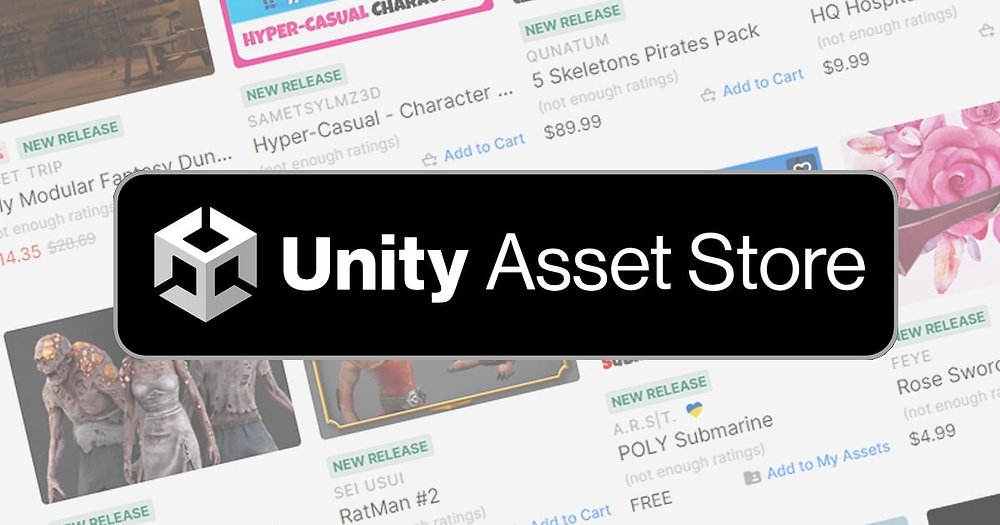
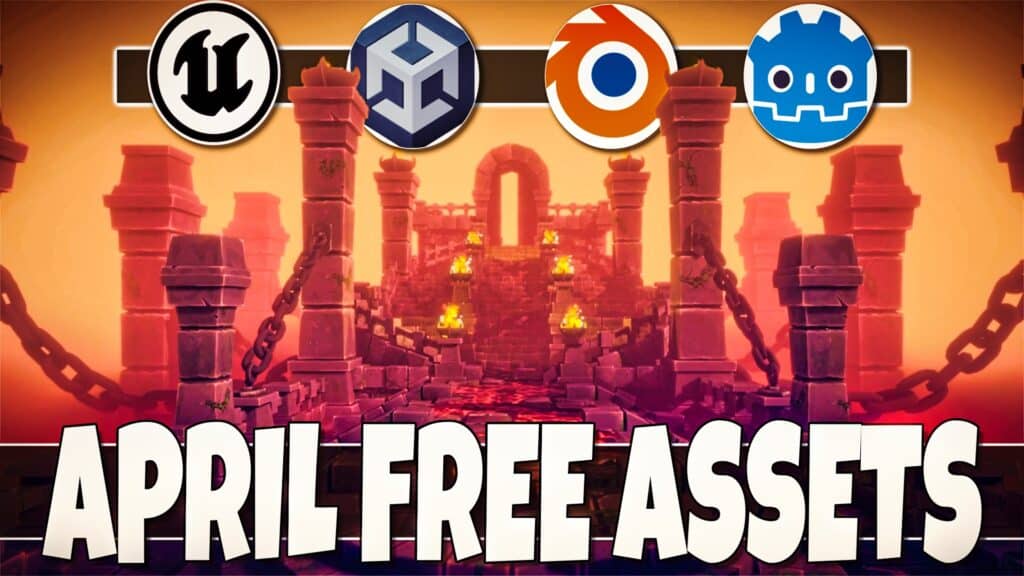
Code Monkey's April 2026 highlights
Code Monkey’s April 2026 video highlights several packs that signal where visual trends are heading. While he covers 20 assets, a few specific ones stand out for their immediate utility in high-fidelity projects.
First, the 'Stylized Water 2.0' asset ($89) is a strong contender for anyone building an open-world game. While not an icon asset, the visual fidelity is impressive and could inspire a consistent art style. Then there’s "Dynamic Nature’ ($59) which provides a wide range of realistic trees, plants, and terrain features. For a more focused approach, ‘Sci-Fi Interior" ($45) delivers a detailed set of modular assets for creating futuristic environments.
For those specifically searching for character-related assets, "Fantasy Character Pack" ($75) includes a variety of high-quality models with customizable features. 'Modular Dungeon’ ($35) is a great option for creating interiors quickly. 'Ultimate VFX Pack’ ($99) provides a comprehensive collection of visual effects that can add polish to any game. Finally, "Cartoon FX" ($40) offers a more stylized approach to visual effects.
Code Monkey’s picks demonstrate a trend towards higher visual quality and more specialized asset packs. The prices vary considerably, but generally fall within the $30-$100 range. Remember that these prices are as of April 2026 and are subject to change, especially with sales and promotions.
- Stylized Water 2.0 - $89
- Dynamic Nature - $59
- Sci-Fi Interior - $45
- Fantasy Character Pack - $75
- Modular Dungeon - $35
- Ultimate VFX Pack - $99
- Cartoon FX - $40
Itch.io for experimental indie styles
Itch.io occupies a very different space than the Unity Asset Store. It’s a haven for independent creators, and the assets reflect that. You’ll find a lot more experimental work, niche styles, and assets that simply wouldn’t fit within the Asset Store’s more mainstream focus. The price point is often lower, too, with many assets available for free or "pay what you want."
One of the biggest benefits of Itch.io is the direct connection with the creators. You can often provide feedback, request modifications, or even commission custom work. This level of interaction isn’t typically available on larger marketplaces. However, this comes with a caveat: licensing can be more complex. It's critical to carefully review the license agreement for each asset before using it in your project.
Itch.io is particularly strong for indie game icons, pixel art, and unique UI elements. The platform’s community-driven nature fosters creativity and encourages developers to share their work. It requires more digging, but the rewards – in terms of originality and cost-effectiveness – can be significant.
Graphic Asset Marketplaces
- Itch.io - A fantastic platform for indie game assets, including icons and sprites. Remember to check the license type, creator reputation, last updated date, download/sales numbers, and if a demo is available before purchasing.
- Envato Elements - Offers a subscription-based model with unlimited downloads of graphics, including game assets. Useful if you need a wide variety of resources.
- GameDev Market - Specializes in assets for game development, with a focus on quality and a curated selection of 2D and 3D graphics.
- Asset Forge - While not a marketplace, it’s a tool to *create* low-poly 3D assets quickly, offering a different approach to acquiring game graphics.
- Kenney.nl - Offers a large collection of free and paid assets, known for its consistent style and usability. A great resource for prototyping or smaller projects.
- GraphicRiver - Part of the Envato ecosystem, GraphicRiver provides a wider range of graphics, including some suitable for game development, sold individually.
- Unity Asset Bundles (via GitHub/GitLab) - Many developers share assets publicly through version control systems. Quality varies, so careful review is crucial.
Porting from the Unreal Engine marketplace
Even if you’re firmly committed to Unity, the Unreal Engine Marketplace is worth a look. While designed for Unreal Engine projects, many assets – particularly 2D sprites, textures, and icon sets – can be adapted for use in Unity. Be prepared for some work, though. Material setups will likely need to be recreated, and you may encounter compatibility issues.
The key is to focus on "engine-agnostic’ assets. Things like character sprites, tile sets, or UI elements are more easily transferable than complex shaders or Unreal-specific blueprints. This approach requires more technical skill and time investment, but it can unlock access to assets you won"t find anywhere else. The Unreal Engine Marketplace often features a different aesthetic, leaning towards higher fidelity and realism.
Don’t expect a seamless integration. Adapting assets from one engine to another is rarely straightforward. But for truly exceptional assets, the effort might be justified. It’s a viable option for filling gaps in your resource pipeline, but it's not a primary source for most Unity developers.
The hidden cost of free assets
The appeal of free assets is obvious. Why pay for something when you can get it for free? TapHub Games’ "TOP 10 FREE NEW Assets MARCH 2026!’ video highlights some promising options on the Unity Asset Store. However, it"s crucial to manage your expectations. Free assets often come with limitations – reduced quality, limited support, or restrictive licenses.
Free assets are fantastic for prototyping, learning, or smaller projects where polish isn’t paramount. They can also be a good source of inspiration. But if you’re building a commercial game, you’ll likely need to invest in higher-quality assets. The time spent cleaning up, customizing, and troubleshooting free assets can quickly outweigh the cost savings.
Licensing is especially important with free assets. Always carefully read the license agreement to understand what you’re allowed to do with the asset. Some free assets may only be usable in non-commercial projects. A premium game graphics asset will almost always be a safer bet for a professional release.
- Quality varies wildly between creators
- Support is often limited or non-existent.
- Licenses may be restrictive.
Free vs. Paid Game Assets: A Qualitative Comparison
| Criteria | Free Assets | Paid Assets |
|---|---|---|
| Quality | Variable; can range from basic to surprisingly good, but often requires significant refinement. | Generally higher and more consistent; assets are created by professionals. |
| Support | Limited or non-existent. Reliance on community forums for help. | Typically includes documentation and potentially direct support from the creator. |
| Licensing | Can be restrictive; careful review of license terms is crucial. May require attribution. | Clear and well-defined licenses are common, offering greater flexibility. |
| Customization Effort | Often requires substantial modification to fit specific project needs. | May still require some customization, but generally closer to the desired final result. |
| Risk of Abandonment | Higher risk; asset may no longer be maintained or updated. | Lower risk; professional creators are more likely to maintain and update their assets. |
| Long-Term Cost | Appears 'free' initially, but can incur significant developer time costs for fixing issues or extensive modifications. | Predictable cost upfront, potentially saving time and resources in the long run. |
Illustrative comparison based on the article research brief. Verify current pricing, limits, and product details in the official docs before relying on it.
Reliable asset store staples
Despite the challenges, the Unity Asset Store still hosts a wealth of high-quality assets. The key is knowing where to look. Several asset packs consistently receive positive reviews and are considered industry standards. For game development resources, focusing on these proven options can save you time and frustration.
For icon packs, consider "Game Icons’ by Jason Weimann. It’s a comprehensive collection of meticulously crafted icons covering a wide range of game genres. ‘Kenney’s UI Assets’ are another excellent choice, offering a consistent and versatile set of UI elements. For sprite sheets, ‘2D Platformer Assets" provides a solid foundation for creating platforming games.
The Asset Store’s search filters are your friend. Use keywords like "high quality,’ ‘well-documented,’ and ‘positive reviews’ to narrow down your search. Pay attention to the asset"s rating and the number of reviews. A large number of positive reviews is a good indicator of quality and reliability.
Navigating license types
Asset licensing is a critical but often overlooked aspect of game development. Different asset packs come with different licenses, each outlining what you’re allowed to do with the asset. Understanding these licenses is essential to avoid legal trouble.
The most common license types are Standard, Indie, and Enterprise. Standard licenses typically allow you to use the asset in commercial projects with certain restrictions. Indie licenses are designed for smaller developers and may have lower royalty fees. Enterprise licenses are for larger studios and offer more flexibility.
Always read the license agreement carefully before using any asset. Pay attention to restrictions on redistribution, modification, and usage in different types of projects. Using assets with restrictive licenses in a commercial project without proper authorization can lead to legal consequences. Protecting your project starts with understanding the terms of use.
- Standard licenses usually cover commercial use with seat limits
- Indie License: For smaller developers, often with lower fees.
- Enterprise License: For large studios, offering greater flexibility.
No comments yet. Be the first to share your thoughts!