
Unity 2026.1 and the Demand for Updated Game Assets
The release of Unity 2026.1 is prompting a significant number of developers to re-evaluate their existing game assets. Compatibility is only half the battle. The new rendering pipelines need assets designed for the updated tech to look right. Older icons, particularly those not designed with scalability in mind, can appear blurry or pixelated on modern high-resolution displays. This impacts the overall polish and professional presentation of a game.
Compatibility isn’t the only driver for updates. Unity’s evolution towards more efficient rendering also means older assets might not perform optimally. An icon set that functioned acceptably in Unity 2022 could introduce performance bottlenecks in 2026.1, especially on mobile platforms. Beyond technical considerations, aesthetic trends in game design are constantly shifting. What felt visually appealing five years ago might now appear dated, and icons are the core of a game’s visual identity.
The transition to new rendering features, like those expected in 2026.1, often requires assets to be rebuilt or significantly modified to support features like advanced shading or higher texture resolutions. This is particularly true for icons intended for use in UI elements or as visual cues within the game world. Ignoring this need can result in a jarring visual disconnect between the core gameplay and the supporting graphical elements. A fresh set of icons can instantly modernize a game’s look and feel.
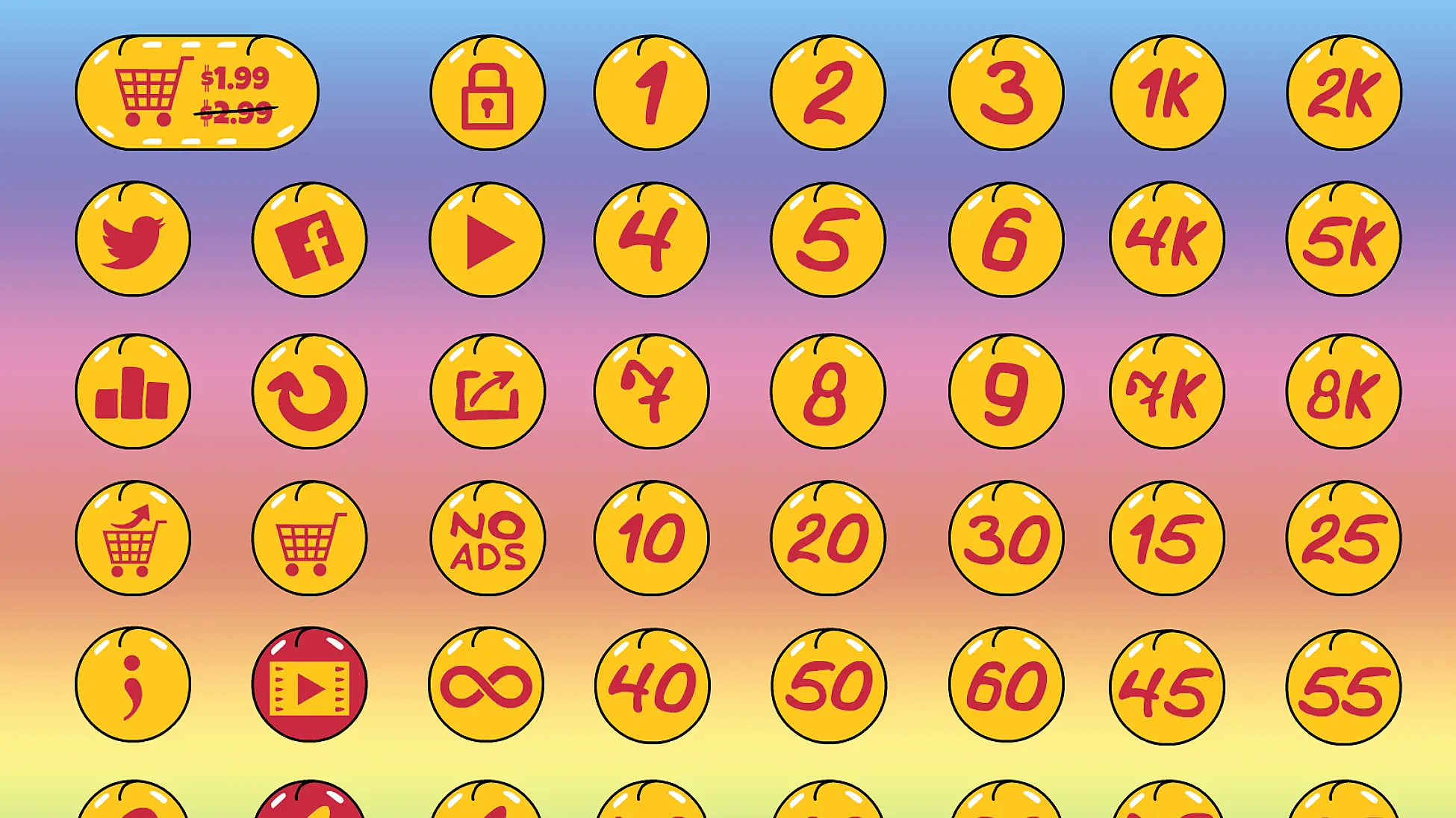
Understanding Icon Formats and Unity’s Requirements
Choosing the right icon format is critical for both visual quality and performance. PNG is a widely supported raster format, and it’s a safe bet for most projects, but it doesn’t scale well without loss of quality. SVG (Scalable Vector Graphics) is increasingly popular because it’s vector-based, meaning it can be scaled to any resolution without pixelation. However, SVG support within Unity isn’t always seamless and can sometimes introduce performance overhead, especially with complex icons.
Unity 2026.1 officially supports PNG, JPG, and TGA formats for textures, which includes icons. While SVG import is possible through third-party plugins or converting to a raster format, it’s not a native feature. I've found that using PNGs at multiple resolutions (1x, 2x, 3x) offers a good balance between visual fidelity and performance across different devices. The optimal resolution depends on the target platform—mobile games generally benefit from smaller file sizes, while PC and console games can support higher-resolution icons.
Resolution is a key consideration. A 32x32 pixel icon might be sufficient for a small UI element in a mobile game, but it will look incredibly blurry on a 4K display. Conversely, a 256x256 pixel icon might be overkill for a simple mobile UI element, increasing build size unnecessarily. Careful planning and testing are essential to find the sweet spot between quality and performance.
- PNG: Widely supported, good for detailed icons, can become pixelated when scaled.
- SVG: Scalable without loss of quality, potentially higher performance overhead in Unity.
- JPG: Suitable for icons with gradients, but can introduce compression artifacts.
- TGA: Supports transparency, but generally larger file sizes than PNG.
at some point in the near future almost all high quality digital collectible will give holders access to universal cross platform assets
— devastatindave.eth (@NftCelestials) March 19, 2026
some of us are just early 👨🚀 pic.twitter.com/SUVTeFgaIU
Spawn Icon: A Curated Source for Premium Game Graphics
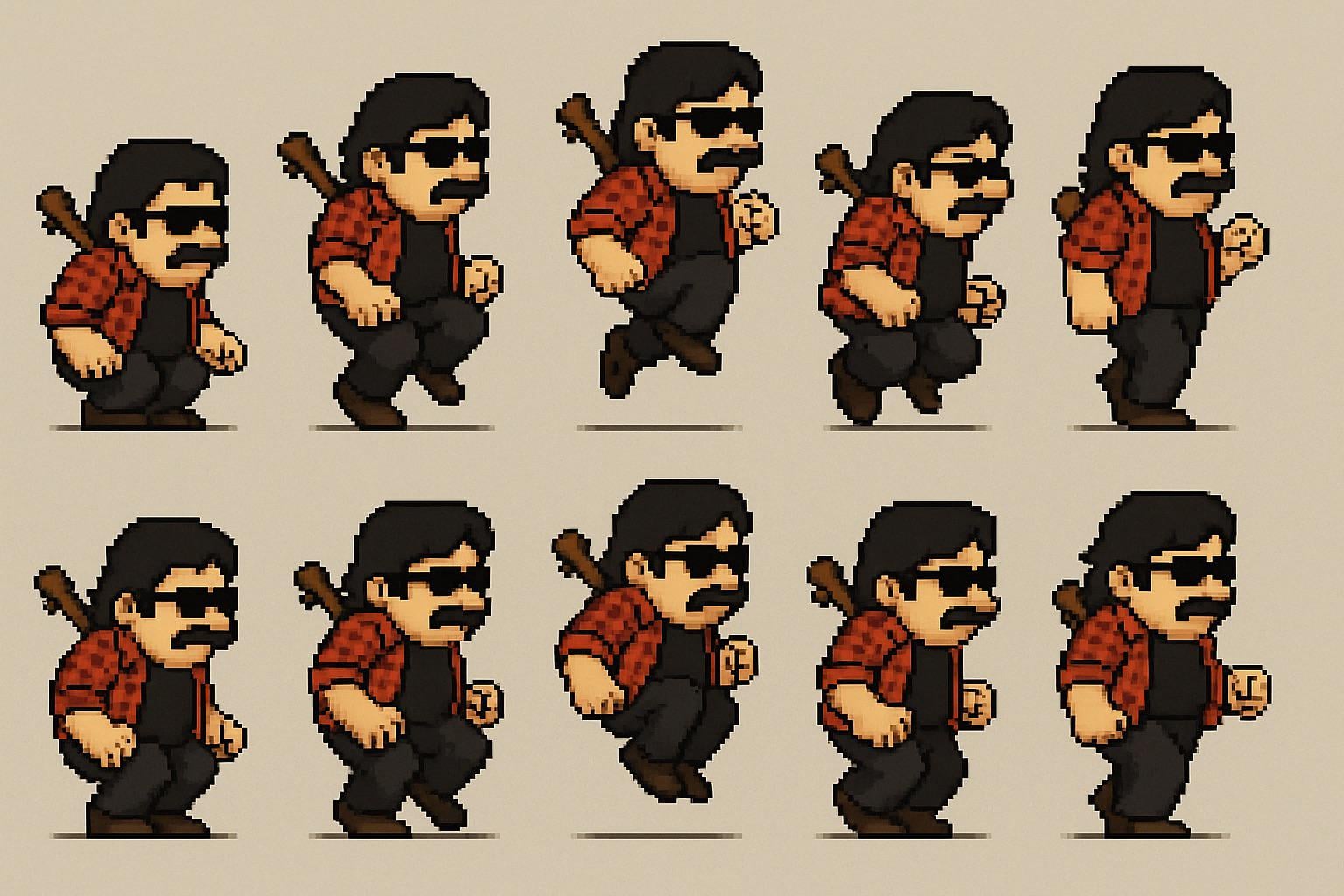
At Spawn Icon, we address the challenges of finding high-quality, consistent game assets. We sell game icons and character sprites for developers. Our library is carefully curated to ensure a consistently high level of artistic quality and technical execution. We understand that developers need assets they can rely on, and that's our priority.
The time saved by using pre-made assets is substantial. Creating a comprehensive icon set from scratch can take weeks or even months, diverting valuable resources from core game development tasks. Spawn Icon allows you to quickly populate your game with professional-looking icons, freeing up your team to focus on gameplay, mechanics, and other critical areas. Consistency in art style is also vital, and our curated library helps you maintain a cohesive visual identity.
We focus on assets designed with modern game development workflows in mind. This includes providing assets in multiple resolutions, optimized for performance, and compatible with popular game engines like Unity. Our goal is to streamline the asset integration process, allowing developers to quickly and easily incorporate our assets into their projects.
Essential Icon Bundles for Different Game Genres
The best icon style varies drastically by genre. For RPGs, particularly those with a retro aesthetic, pixel art icon packs are incredibly popular. The 16-bit style evokes a sense of nostalgia and fits well with classic RPG gameplay. We offer several packs in this style, featuring icons for potions, weapons, armor, and character abilities. Conversely, a futuristic sci-fi RPG might benefit from sleek, minimalist icons with a metallic or neon color scheme.
Strategy games often require a large number of icons to represent units, buildings, resources, and technologies. Clear, concise iconography is essential for conveying information quickly and efficiently. For real-time strategy games, icons with a dynamic, action-oriented feel work well. Turn-based strategy games can utilize more detailed and informative icons. Our "Military Strategy" bundle provides a comprehensive set of icons for representing various military units and structures.
Puzzle games demand icons that are easily recognizable and visually distinct. Simple, geometric shapes and bright colors are often effective. The icons should clearly communicate the function of each element without being distracting. Action game icons need to feel fast and impactful. Dynamic shapes, bold colors, and visual effects can enhance the impact of the icons. We have a dedicated bundle for UI elements that would work well in fast-paced action titles.
- RPG: Pixel art, fantasy-themed, detailed representations of items and abilities.
- Strategy: Clear, concise, informative icons for units, buildings, and resources.
- Puzzle: Simple, geometric shapes, bright colors, easily recognizable symbols.
- Action: Dynamic shapes, bold colors, icons that convey speed and power.
Genre-Specific Icon Bundles
- Role-Playing Games (RPG) - Establish a sense of adventure and character progression with detailed icons. Explore RPG Icon Sets featuring weapons, armor, potions, and character portraits.
- Strategy Games - Command and conquer with icons that clearly represent units, buildings, and resources. Find suitable assets within the Strategy Game Icons collection.
- Puzzle Games - Convey clarity and intuitive gameplay with icons that represent puzzle pieces, power-ups, and game mechanics. Browse Puzzle Icon Bundles for a variety of styles.
- Action Games - Inject adrenaline with dynamic icons representing weapons, explosives, and combat abilities. Discover relevant options in the Action Game Icons section.
- Simulation Games - Represent real-world elements and complex systems with detailed and realistic icons. Check out the Simulation Game Icons available.
- Platformer Games - Highlight jump pads, collectibles, and enemies with vibrant and easily recognizable icons. Explore Platformer Icon Sets.
- Horror Games - Create a chilling atmosphere with dark and unsettling icons representing threats, clues, and psychological elements. Browse Horror Game Icons.
Cross-Platform Considerations: Ensuring Icon Consistency
Maintaining visual consistency across different platforms—iOS, Android, PC, and consoles—is a significant challenge in game development. Each platform has its own icon size requirements and display characteristics. Vector-based icons, like SVGs, offer a solution by allowing you to scale the icons without loss of quality. However, as mentioned previously, native SVG support in Unity isn't ideal, so providing multiple rasterized versions is often necessary.
Providing multiple resolutions of each icon is crucial. Mobile devices with high-density displays require higher-resolution icons to look sharp, while lower-resolution icons are sufficient for older devices. PC and console games also benefit from high-resolution icons, particularly on 4K displays. Spawn Icon assets are typically provided in a range of resolutions to accommodate different platforms.
Platform-specific icon requirements vary. iOS and Android have specific guidelines for icon sizes and formats. Consoles also have their own requirements. Spawn Icon simplifies this process by offering assets that are designed to be easily adaptable to different platform guidelines. While some manual adjustments may be necessary, our assets provide a solid foundation for cross-platform consistency.
Optimizing Icons for Performance in Unity 2026.1
xture compression can significantly reduce file size and memory usage. Unity offers several texture compression formats, such as ETC2 and ASTC, which provide good compression ratios with minimal visual loss. Sprite atlasing combines multiple icons into a single texture, reducing draw calls and improving performance. This is a standard practice in game development.
Reducing polygon counts is important for icons that are represented as 3D models, though this is less common. Complex icons with a large number of polygons can impact frame rates. Simplifying the geometry of the icons can improve performance without significantly affecting visual quality. Using appropriate texture sizes is also critical—avoid using excessively large textures for small icons.
I'm not sure about specific changes in Unity 2026.1 regarding texture compression or sprite atlasing, but the general principles remain the same: minimize file size, reduce draw calls, and optimize for the target platform. Spawn Icon’s assets are prepared with these principles in mind, often provided in formats suitable for immediate use with sprite atlasing and a variety of compression settings.
Beyond Icons: Expanding Your Asset Library with Spawn Icon
Spawn Icon offers more than just game icons. We also provide a wide range of character sprites, UI elements, backgrounds, and other graphical assets. Expanding your asset library with a consistent art style is crucial for creating a polished and professional-looking game. Using assets from a single source ensures that all elements of your game share a cohesive visual identity.
A unified art style enhances the overall player experience. It creates a sense of immersion and professionalism, making your game more appealing and engaging. Spawn Icon makes it easy to achieve this consistency by offering a curated collection of assets designed to work well together. We focus on providing high-quality assets that are both visually appealing and technically sound.
Using a single source for all your assets also simplifies licensing and support. You have a single point of contact for any questions or issues, and you can be confident that all assets are covered by the same licensing terms. This streamlines the development process and reduces the risk of legal complications.
No comments yet. Be the first to share your thoughts!