
Why premium game graphics save dev time
Building a game is a marathon of technical decisions, but asset creation is often the most time-consuming leg. For indie developers, spending hundreds of hours modeling a single environment or rigging character animations can stall progress on the actual gameplay mechanics. Premium game graphics solve this bottleneck by providing polished, ready-to-use assets that meet industry standards out of the box.
The value proposition isn't just about saving hours; it's about maintaining a consistent visual language. When you buy a cohesive asset pack, you avoid the jarring visual disconnects that happen when mixing self-made models with downloaded assets. This consistency allows you to focus your energy on level design, narrative, and code optimization rather than tweaking UV maps or adjusting polygon counts.
Professional assets also come with technical optimizations that indie teams might struggle to replicate. High-quality 3D models and textures are typically baked with normal maps, LODs (Levels of Detail), and efficient shader setups. This means your game runs smoother on lower-end hardware without sacrificing visual fidelity, a critical factor for reaching a broader audience.
By offloading the heavy lifting of visual production, you accelerate your development cycle significantly. This allows for faster iteration and earlier playtesting, which are essential for refining the player experience. The upfront cost of premium assets is an investment in speed and quality, ensuring your game looks professional from day one.
Best 3D character models and environments
Premium game graphics rely heavily on assets that bridge the gap between high-fidelity visuals and technical efficiency. Modern engines demand 3D models that support real-time ray tracing, advanced skeletal animation, and modular environment building without sacrificing frame rates. The best assets offer PBR (Physically Based Rendering) materials, LOD (Level of Detail) chains, and clean topology that integrates seamlessly into complex scenes.
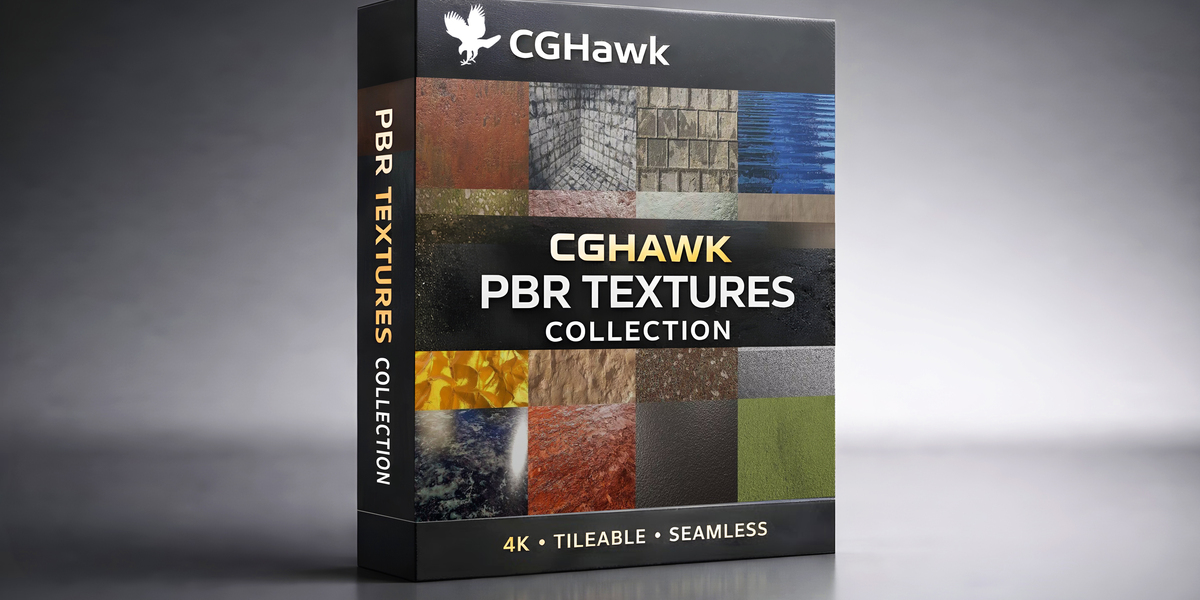
When selecting 3D character models, look for rigged skeletons with IK (Inverse Kinematics) support and facial blend shapes for expressive animation. Environment packs should include modular pieces—walls, floors, props—that allow for rapid level iteration. High-quality textures, such as 4K or 8K PBR maps, ensure that surfaces react realistically to lighting, a key factor in achieving photorealistic results seen in titles like Alan Wake 2 or Cyberpunk 2077.
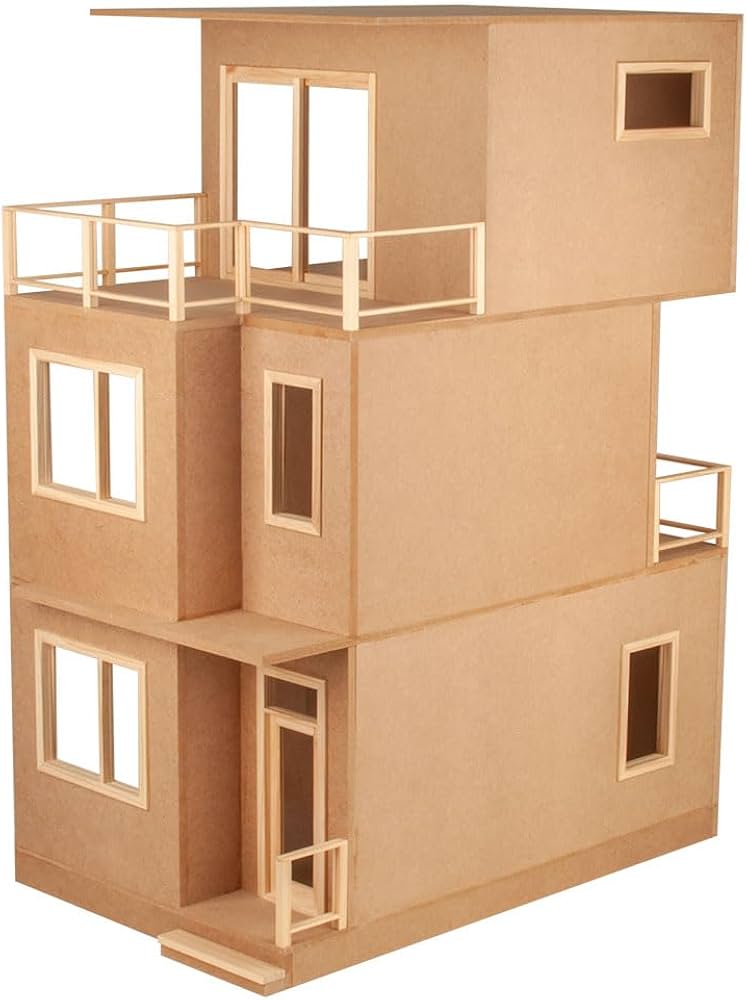
The following Amazon listings feature curated collections of 3D assets, ranging from stylized indie characters to realistic urban environments. These packs are designed for immediate use in game development, offering the visual fidelity and engine compatibility needed for professional projects.

As an Amazon Associate, we may earn from qualifying purchases.
Top indie game icons and 2D sprites
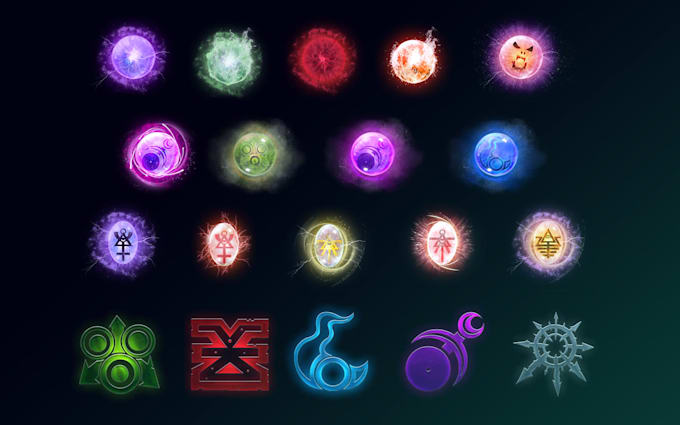
Premium 2D assets remain the backbone of indie game aesthetics, offering a distinct visual identity that 3D assets often struggle to match on smaller budgets. High-quality UI icons and character sprites provide the immediate feedback loops and emotional resonance necessary for engaging gameplay. When selecting assets, prioritize clean vector lines and consistent color palettes that scale well across different screen resolutions.
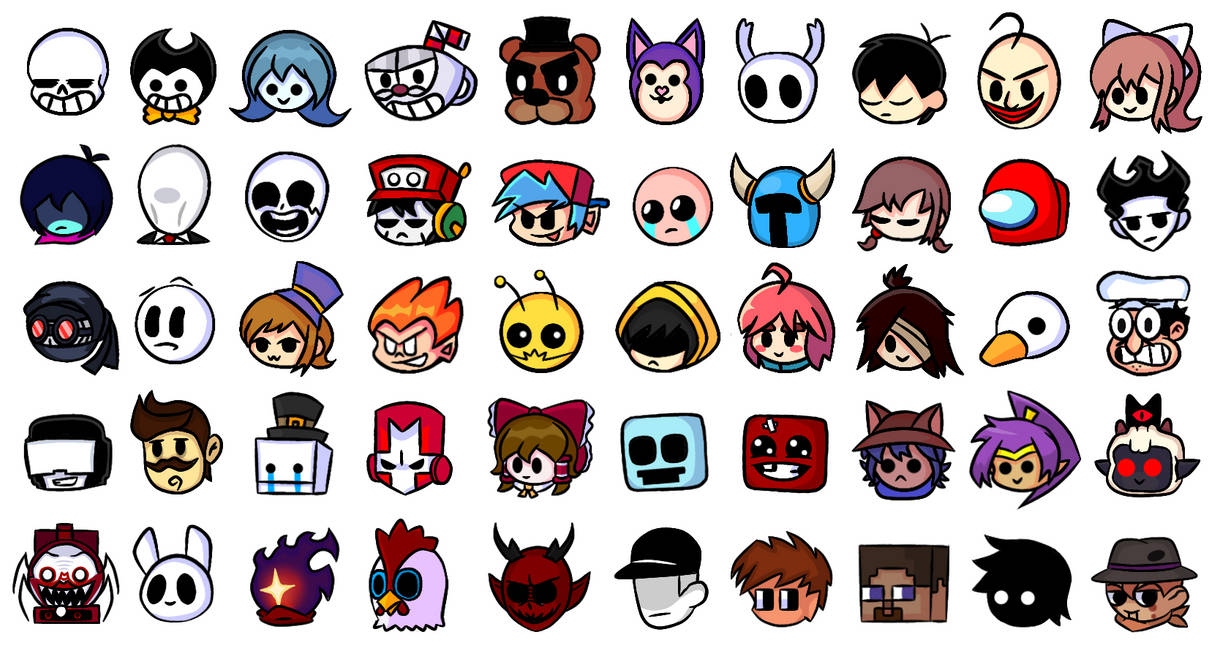
Look for assets that bundle character animations into optimized sprite sheets. This reduces draw calls and memory usage, allowing your game to run smoothly on lower-end hardware without sacrificing visual fidelity.
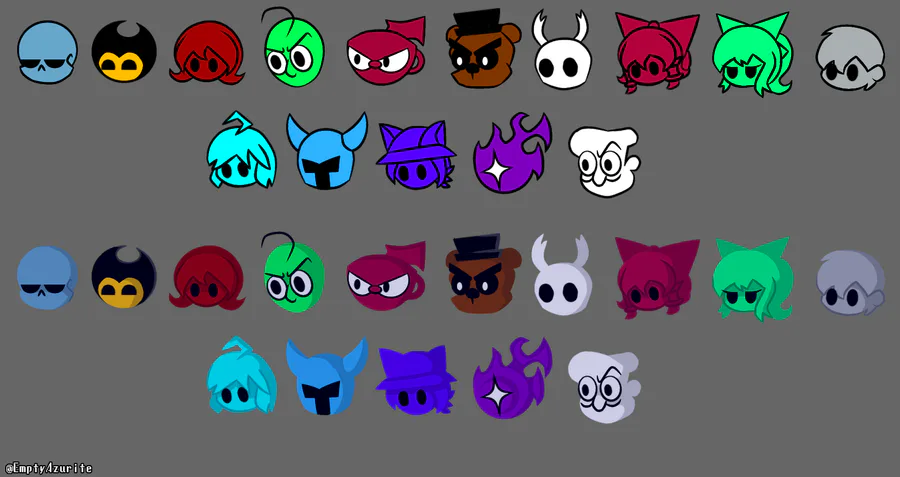
Ensure the icon set includes multiple states (hover, active, disabled) and scales cleanly. Premium packs often provide layered SVGs, allowing you to recolor or modify specific elements to match your game’s unique theme.
Confirm that the asset pack allows for commercial use and modification. Some premium bundles restrict redistribution, so understanding the license ensures you can integrate the assets into your final product without legal hurdles.
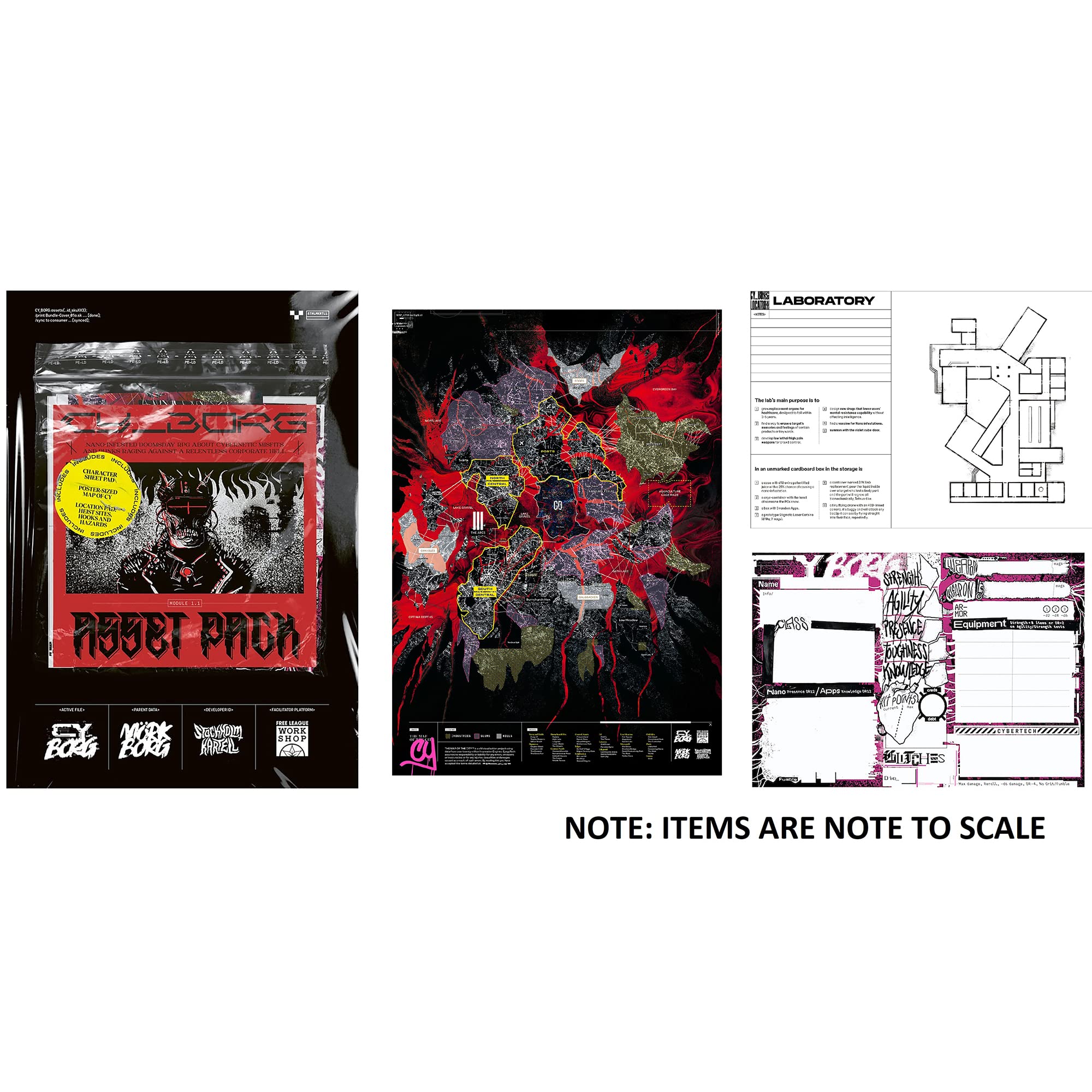
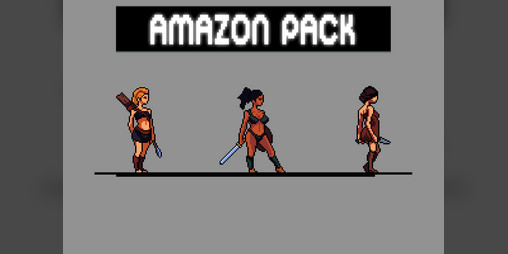
The following curated selection highlights popular 2D sprite packs and icon sets favored by indie developers for their technical quality and aesthetic flexibility.

As an Amazon Associate, we may earn from qualifying purchases.
Engine compatibility and format support
Selecting premium game graphics assets requires more than just aesthetic appeal; you need to ensure the files integrate smoothly into your specific development environment. Different engines handle textures, models, and shaders in distinct ways, and mismatched formats can lead to significant technical debt or visual artifacts during implementation.
To help you choose the right assets for your project, we have compared the technical specifications of top-tier premium graphics packages. This comparison focuses on engine compatibility, supported file formats, and licensing structures, allowing you to quickly identify which assets will save you time during the integration phase.
| Asset Name | Unity Support | Unreal Engine | Godot Support | Primary Formats | License Type |
|---|---|---|---|---|---|
| Polybrush Pro | Full (2022+) | Via FBX/OBJ | Via FBX | .unitypackage, .fbx, .obj | Royalty-Free |
| Megascans Library | Full (Lumen Compatible) | Native (Quixel Bridge) | Via glTF/FBX | .tga, .exr, .glb | Royalty-Free (Unreal) |
| Nature Starter Kit | Full (URP/HDRP) | Full (Nanite Ready) | Partial (Custom Shaders) | .blend, .fbx, .png | Editorial Use |
| Character Animation Pack | Full (Animator Compatible) | Full (Control Rig) | Via glTF Anim | .fbx, .gltf, .anim | Commercial Royalty-Free |
When working with Unity, look for assets that offer native .unitypackage files or are optimized for URP/HDRP pipelines to ensure immediate compatibility. Unreal Engine users should prioritize assets that leverage Nanite and Lumen, as these technologies significantly reduce performance overhead while maintaining high visual fidelity. Godot developers often need to convert assets from FBX or glTF formats, so checking for pre-converted files can streamline your workflow.
Always verify the license type before purchasing. While most premium assets are royalty-free, some may restrict use in commercial projects or require attribution. Understanding these constraints upfront prevents legal issues and ensures your final game meets industry standards for premium graphics.
Where to buy safe game development resources
Finding premium game graphics assets requires more than just checking the price tag; it demands a focus on source legitimacy. The asset market is flooded with resellers who strip copyright metadata or bundle malware with cracked textures. To protect your project, stick to established marketplaces that verify seller identity and provide clear, standardized licensing terms. These platforms act as a firewall, ensuring the 3D models, textures, and audio clips you integrate are clean and legally safe for commercial use.
When selecting a source, prioritize marketplaces with robust community moderation and transparent refund policies. Major platforms like the Unity Asset Store and Unreal Engine Marketplace enforce strict technical reviews, meaning assets are less likely to contain broken scripts or hidden code. For broader indie collections, itch.io offers a vast array of creative assets, but buyers must read individual license agreements carefully to ensure they cover the intended distribution model.
For those seeking specific, high-quality tools to enhance their graphics pipeline, here are some trusted options available for purchase:


As an Amazon Associate, we may earn from qualifying purchases.
Always verify the asset’s license type before integration. A standard commercial license typically allows use in a sold product, but some sources restrict redistribution or require attribution. By choosing reputable vendors and reading the fine print, you ensure your game’s visual foundation is as solid as its code.
Common questions about buying game assets
Can I use these assets in commercial games?
Most high-quality asset packs come with clear licensing terms that allow for commercial use. However, you must check the specific license agreement for each store or creator. Some assets may require attribution, while others grant full rights to modify and sell games built with them. Always ensure the license covers your intended platform and distribution model.
Do these assets work with Unreal Engine 5 and Unity?
Premium assets are typically optimized for modern engines like Unreal Engine 5 and Unity. Look for assets that include PBR (Physically Based Rendering) materials, which adapt seamlessly to different lighting conditions. Many creators provide separate versions for UE5 and Unity to ensure compatibility with engine-specific features like Nanite or Lumen.
What is the refund policy for digital game assets?
Because digital assets cannot be "returned" in the traditional sense, most platforms like the Unreal Engine Marketplace or Unity Asset Store offer limited refund windows. Check the seller's policy before purchasing. If an asset doesn't meet your technical requirements, contact support immediately. Some stores allow refunds if the asset is incompatible with your engine version or significantly misdescribed.
No comments yet. Be the first to share your thoughts!