
Why premium game graphics matter
In a market where players scroll through hundreds of titles daily, visual polish is your first and most effective sales pitch. High-quality assets do more than just look good; they signal professionalism and build immediate trust. When an indie developer invests in premium game graphics, they are effectively raising the perceived value of their entire project. Players often subconsciously equate visual fidelity with development quality, assuming that a game with refined textures, lighting, and character models will also offer a smoother, more bug-free experience.
The difference between a rough prototype and a polished release is often found in the details. Consider how games like Ghost of Tsushima or Alan Wake II use lighting and environmental storytelling to immerse players instantly. These titles demonstrate that premium assets create a cohesive world rather than just a collection of objects. For indie devs, this means that even a stylized aesthetic benefits from consistency and high-resolution textures. A unified art style prevents the "asset flip" look that can make a game feel cheap or unfinished, regardless of the genre.
Investing in these assets also streamlines your development pipeline. Premium packs are often optimized for performance and come with pre-configured shaders and materials, allowing you to focus on gameplay mechanics rather than technical troubleshooting. This efficiency is crucial for small teams where every hour counts. By starting with a strong visual foundation, you ensure that your game stands out in crowded storefronts, capturing attention before the player even reads your description.
Top character sprite packs
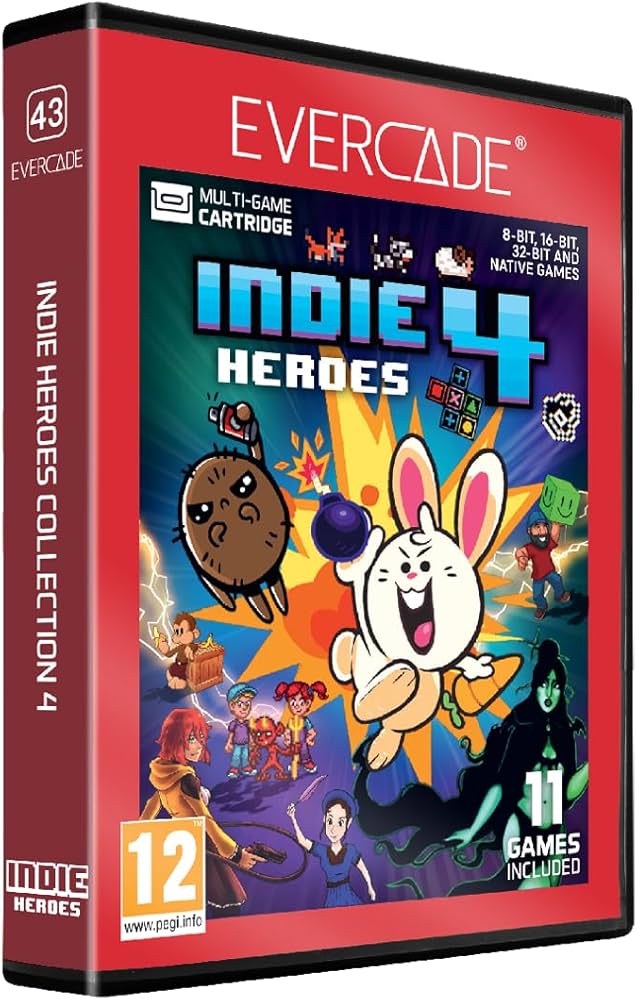
Character sprites are the face of your game. For indie developers, finding assets that offer both high-quality animation and genre versatility is essential. A good sprite pack should provide enough variation to keep characters alive without requiring you to draw every single frame by hand.
We have selected sprite packs that excel in two main areas: platformers and RPGs. These assets are chosen for their clear animation cycles, consistent art style, and ease of integration into engines like Unity or Godot. Look for packs that include idle, run, jump, and attack animations to cover the basics of character movement.
When evaluating these packs, pay attention to the sheet layout. A well-organized sprite sheet allows for quick drag-and-drop implementation. Avoid packs with inconsistent pixel densities, as mixing assets from different sources can make your game look disjointed.

As an Amazon Associate, we may earn from qualifying purchases.
Essential indie game icons
Small graphical elements do heavy lifting in indie games. They guide players through menus, signal health or mana, and make interfaces feel cohesive without demanding a full art team. A well-chosen icon set acts like a visual shorthand, reducing the need for text tutorials and keeping the screen clean.
When picking icons, prioritize consistency in line weight and style. A mismatched set—combining flat 2D symbols with 3D-shaded buttons—breaks immersion faster than low resolution. Look for packs that offer multiple resolutions (16x16, 32x32, 64x64) so they scale crisply across different screen sizes.
The right assets should feel native to your game’s world. A pixel-art RPG benefits from chunky, retro-style symbols, while a sci-fi title might need sleek, neon-accented UI elements. Many indie developers find success with packs that include both functional UI icons (arrows, sliders, toggles) and environmental symbols (health hearts, currency coins, quest markers).
Here are some popular icon packs that indie devs frequently use to build polished interfaces:


As an Amazon Associate, we may earn from qualifying purchases.
Comparing asset quality
When shopping for premium graphics, the devil is in the details. Two packs might look similar in a thumbnail, but the resolution, file formats, and licensing terms can make or break your game's performance and legal safety. Here is how the top contenders stack up against each other.
| Provider | Max Resolution | File Formats | License Type |
|---|---|---|---|
| Poly Haven | 4K-8K | HDR, EXR, PNG | CC0 (Public Domain) |
| Quixel Megascans | 4K-8K | TGA, EXR, PNG | Royalty-free (Epic Ecosystem) |
| ArtStation Marketplace | Varies (4K+ common) | PNG, PSD, OBJ, FBX | Varies by creator |
| Unity Asset Store | 1K-4K | PNG, JPG, TGA | Standard Unity EULA |
Poly Haven stands out for its generous CC0 license, meaning you can use these high-resolution textures and models without worrying about attribution or royalties. However, the formats are often raw, requiring you to convert them into your engine's preferred compression types. Quixel Megascans offers incredible fidelity, but you are locked into the Epic Games ecosystem to use them royalty-free. If you are using Unity or Unreal Engine, this might be a non-starter.
For indie devs needing specific character models or stylized assets, marketplaces like ArtStation and the Unity Asset Store offer more variety. The trade-off is that you must read the fine print. Some creators restrict commercial use or require attribution, while others offer exclusive rights for a higher price. Always check the "License" column before downloading to avoid legal headaches later.
Where to find gaming assets
The right marketplace can save you months of trial and error, giving you polished, production-ready graphics instead of rough drafts. When you are building a premium indie game, you need assets that integrate cleanly into your engine without requiring constant rework. The following platforms are trusted by developers for their quality control, licensing clarity, and support teams that actually understand game development workflows.
Unity Asset Store
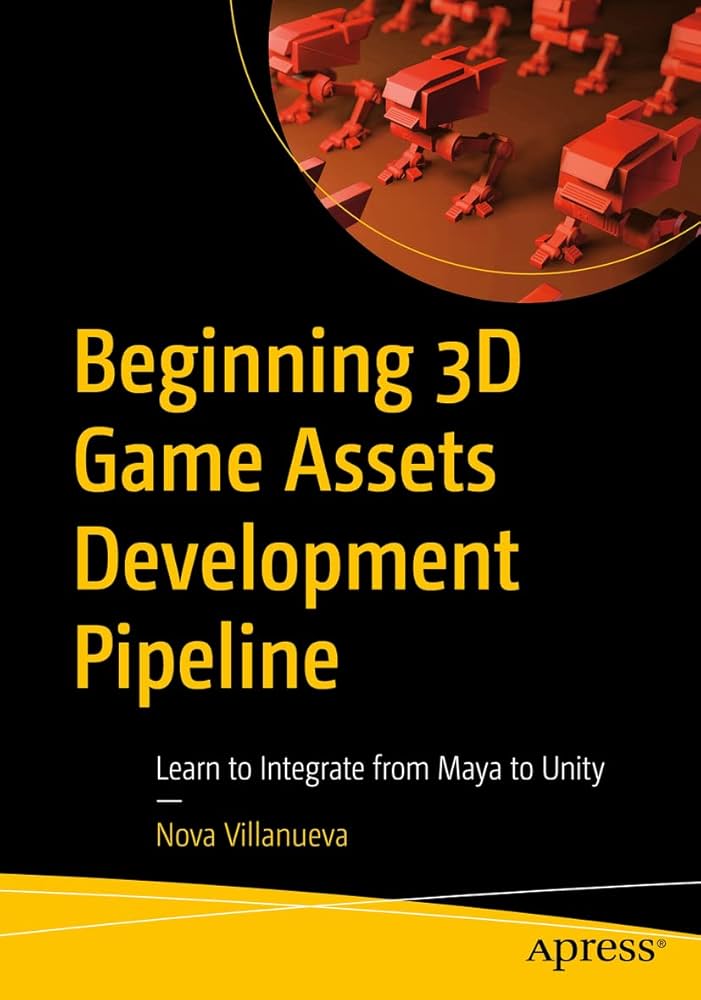
The Unity Asset Store is the largest ecosystem for Unity developers, offering everything from complete character controllers to high-fidelity environmental packs. Its sheer volume means you can find niche items that match specific art styles, from low-poly to photorealistic. Because it is integrated directly into the Unity Editor, you can preview assets in your scene before buying, ensuring they fit your project’s visual language. Look for assets with high download counts and recent updates to ensure compatibility with the latest Unity versions.
Unreal Engine Marketplace
For Unreal Engine users, the Marketplace offers a curated selection of high-end assets, often featuring real-time ray tracing and advanced material setups. Many items here are built specifically to showcase the engine’s capabilities, making them excellent starting points for next-gen indie projects. You can often find free assets every month, allowing you to build a library of high-quality resources without upfront costs. The marketplace also provides detailed documentation for each asset, helping you understand how to customize materials and meshes to fit your unique art direction.
TurboSquid and CGTrader
When you need specific 3D models that are engine-agnostic, marketplaces like TurboSquid and CGTrader are reliable sources. These platforms host millions of models created by professional 3D artists, offering a wide range of styles and complexities. While they may not always include ready-to-use engine integration, the models are often optimized for performance and come with high-resolution textures. This makes them ideal for projects that require custom assets or when you need to import models into multiple engines for comparison.
ArtStation Marketplace
ArtStation is where professional concept artists and 3D modelers showcase their portfolios, and its marketplace allows you to buy directly from these creators. This direct connection often results in higher quality assets and more responsive support from the artists themselves. You can find unique, stylized assets that stand out from the generic offerings of larger marketplaces. Buying from ArtStation supports the creative community directly and often gives you access to exclusive bundles or early releases of new asset packs.

As an Amazon Associate, we may earn from qualifying purchases.
Common questions about game graphics
Choosing premium assets is a big step for any indie project. You want your game to look as sharp as titles like Alan Wake II or God of War, but you need to know how those assets fit into your workflow. Here are the answers to the most frequent questions about licensing, resolution, and engine compatibility.
No comments yet. Be the first to share your thoughts!